Your Work | Made for what you make.
Every Studio PC handles the everyday parts of creative work. The higher levels take on the heavy ones. Find your craft and start there.

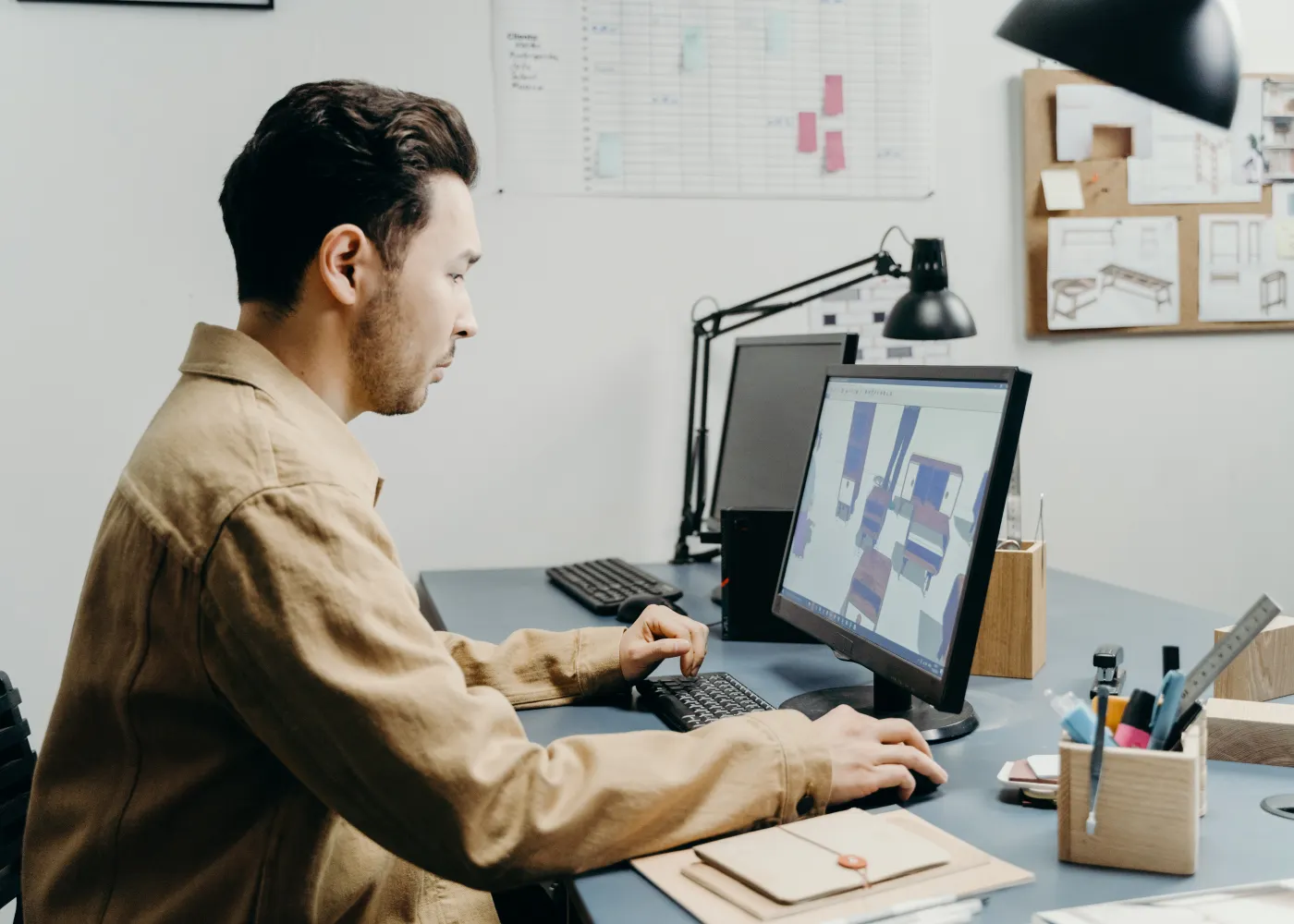
Creative
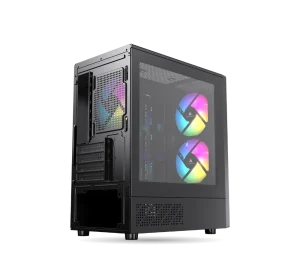
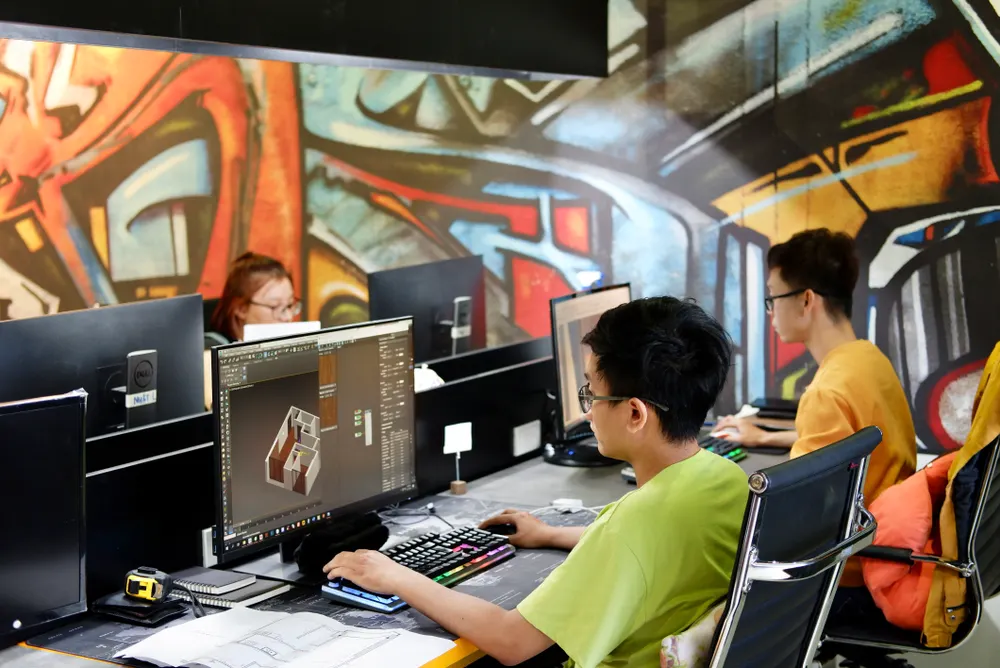
Studio Flow
For designers, editors and creators, all day.
A many-core processor, generous memory, a capable graphics card and a big second drive for your archive of projects and footage.
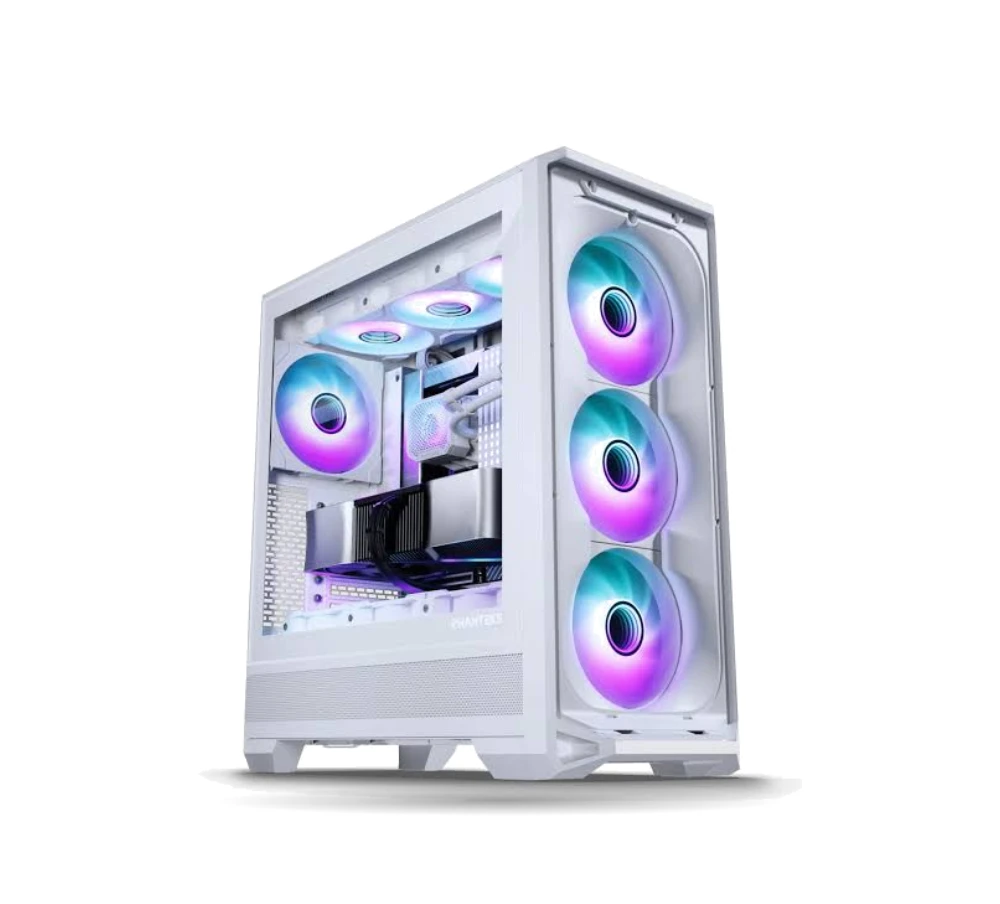
Ambitious
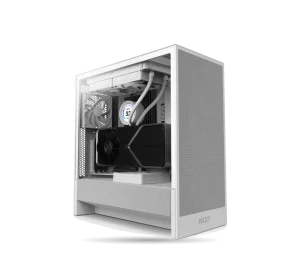
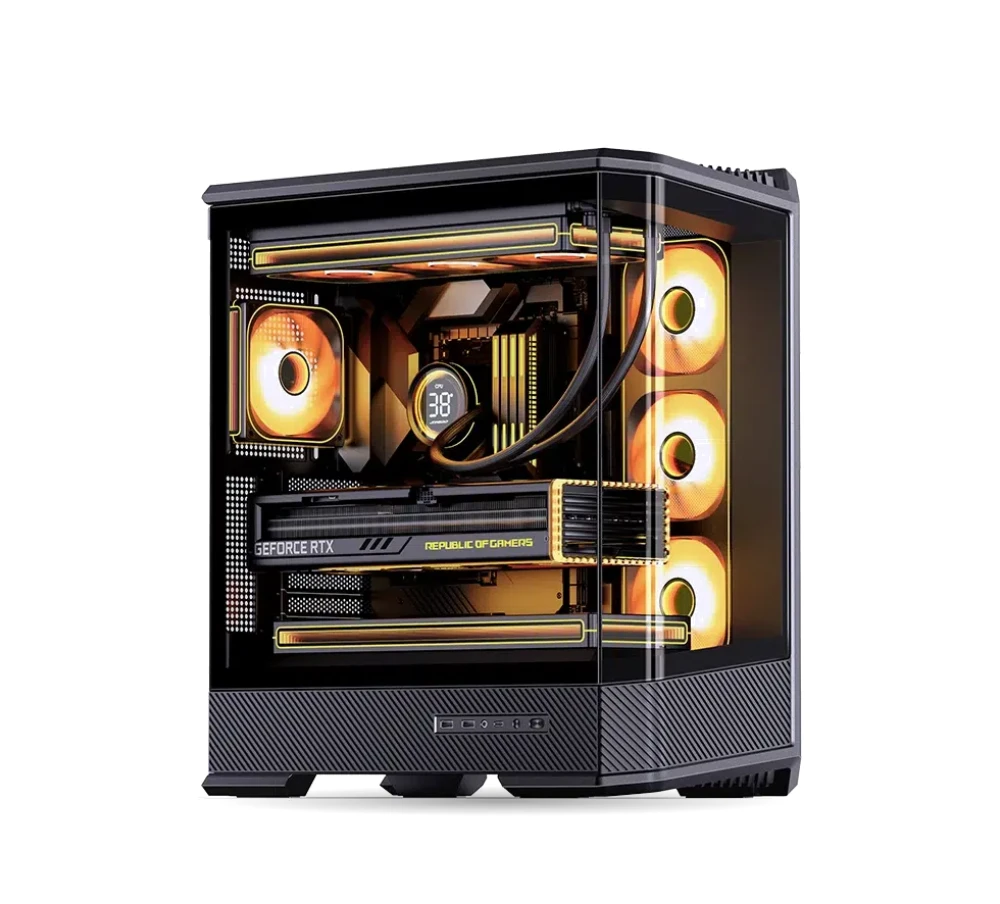
Studio Pro
For projects that outgrew an entry workstation.
More cores, a more powerful graphics card with more video memory, faster memory and bigger cooling than Flow, for long renders.
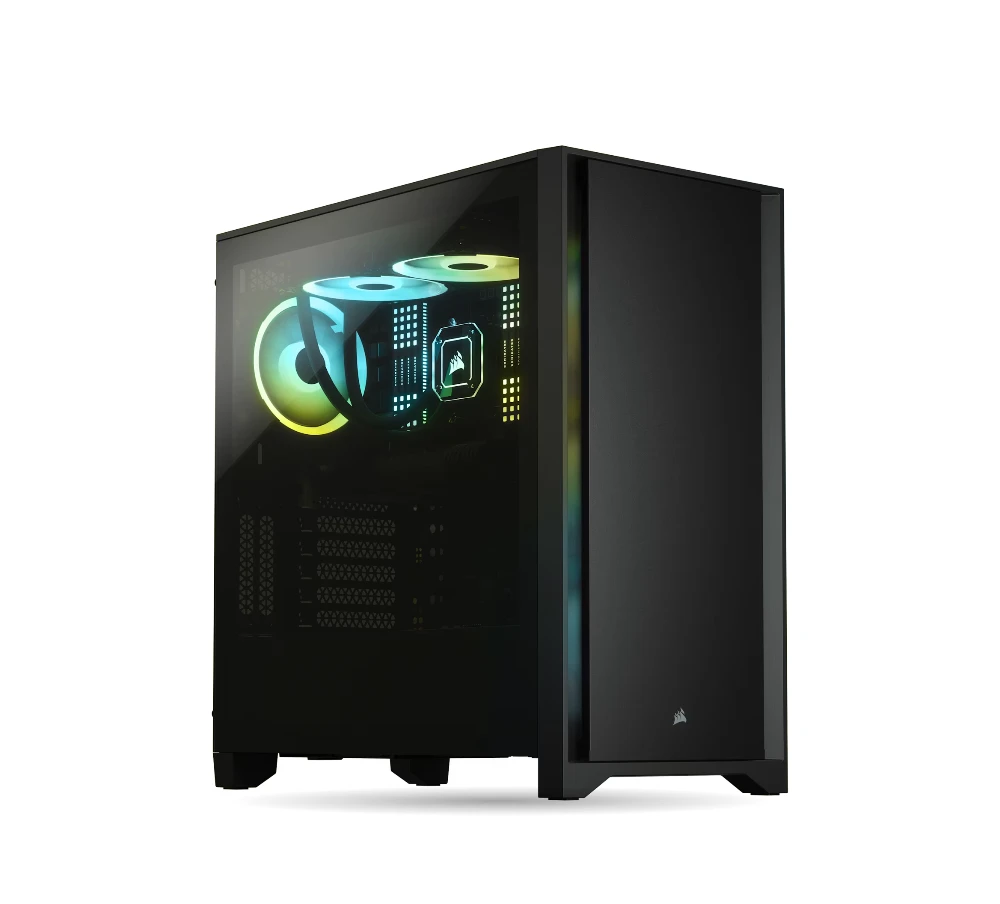
Powerhouse
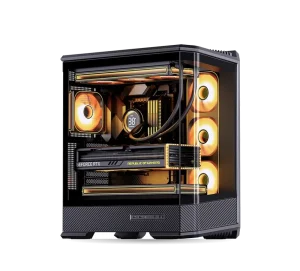
Studio Xtreme
For big productions, rendering and local AI.
Our most powerful graphics card and the most memory in the range, with very fast storage and a large second drive.
Help Me Choose | Find the kind of project you do most.
How It’s Built | Built for the whole pipeline.
Creative work moves from the card to the archive. Every part of a Studio PC has a job along the way.

01
Ingest
Cameras, drawing tablets and external drives plug straight in, with room for more than one display.
02
Edit
Many cores and generous memory keep timelines, layers and big asset libraries responsive.
03
Preview And Effects
The graphics card carries previews, playback and GPU-accelerated effects in the apps that use it.
04
Render And Export
Cooling and a power supply with headroom keep going through long renders and exports.
05
Archive
A fast drive for the project you’re on, and a large second drive for everything you’ve finished.
Compare | Side by side.
Find the kind of project you do most, then read down.

Comes With Every Studio PC
Help That Already Knows Your Machine.
KoreHub is the CyberKore app on your computer. It knows the exact parts inside, so support, drivers and upgrades start from your build, not from a form.
Support On A Deadline
When a render crashes the night before delivery, open a case. Your computer’s details go with it, so you describe the problem, not the hardware.
Upgrades As Projects Grow
More memory for bigger scenes, more storage for more footage. A specialist replies with options for your exact PC.
Every Driver At Its Source
Each part links to its maker’s own page. KoreHub never installs anything itself.
Free Tools To Start With
KoreHub suggests free apps for Studio, like DaVinci Resolve, Blender, Krita and HandBrake, and takes you to each maker’s page.
Windows, Activated For You
Windows 11 comes installed, and KoreHub activates it with your permission. Your Adobe and Autodesk subscriptions stay your own.
Free Repair Labor For A Year
Free repair labor, starting the first time you sign in to KoreHub on the computer.
No telemetry. KoreHub doesn’t monitor your hardware, look at your projects or report how you use your computer.
Questions | What creators ask us.
Tell us about a typical project and we’ll help you choose.