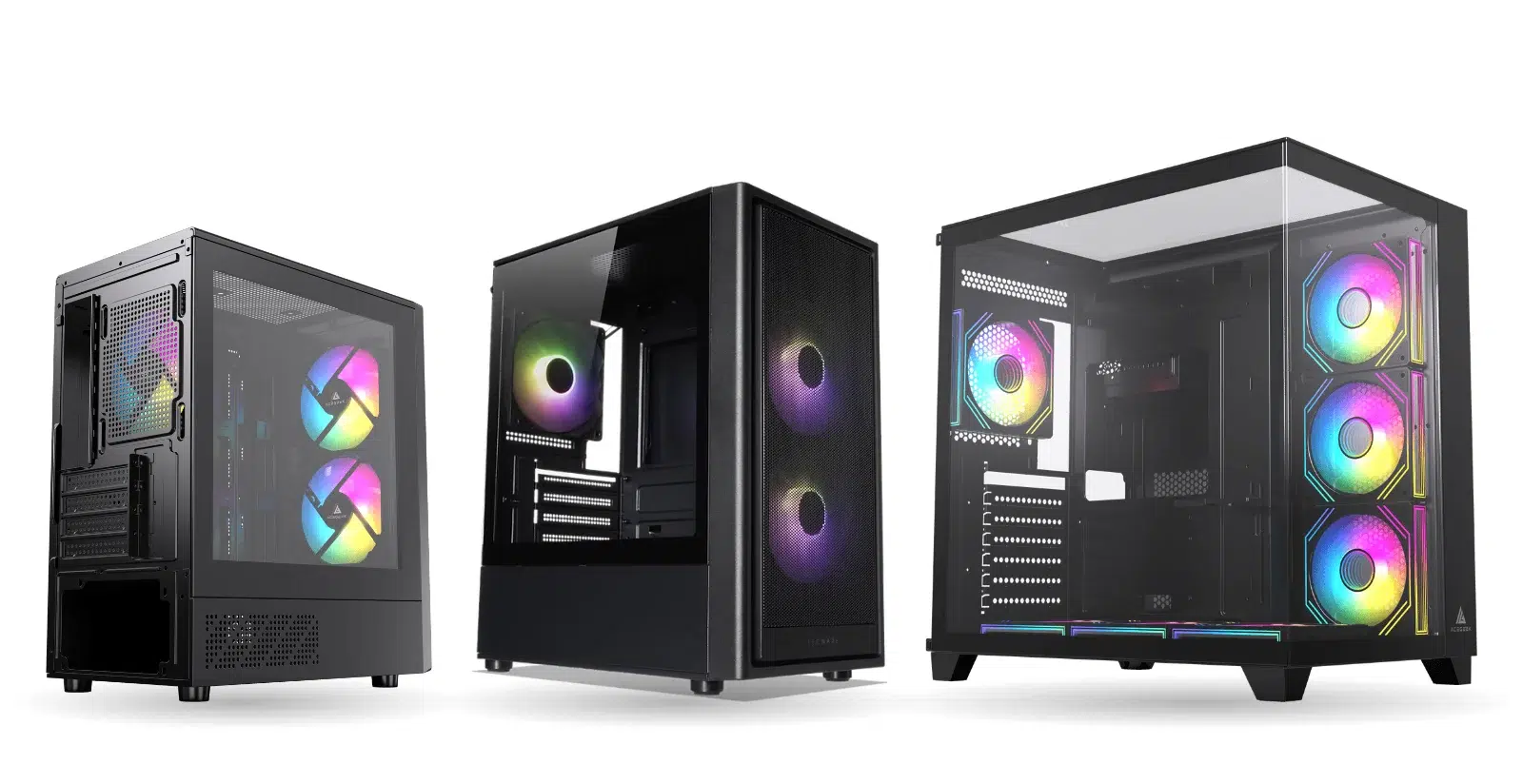
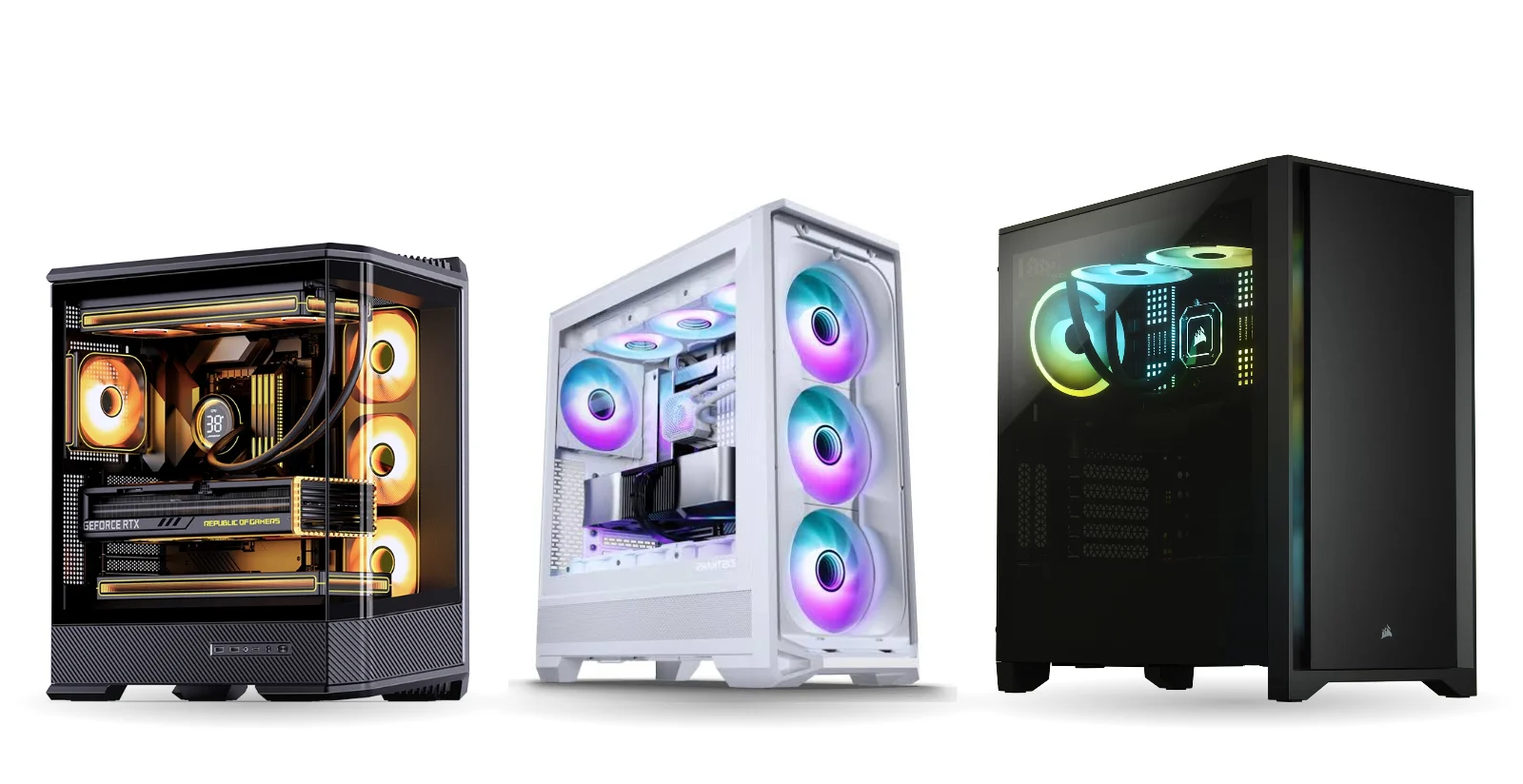
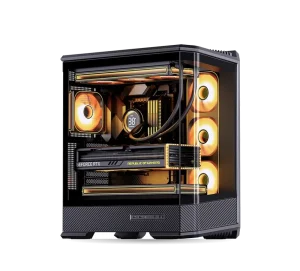
Your Game | Built for how you play.
Whatever’s in your library, the question is the same: how hard do you want to push it?

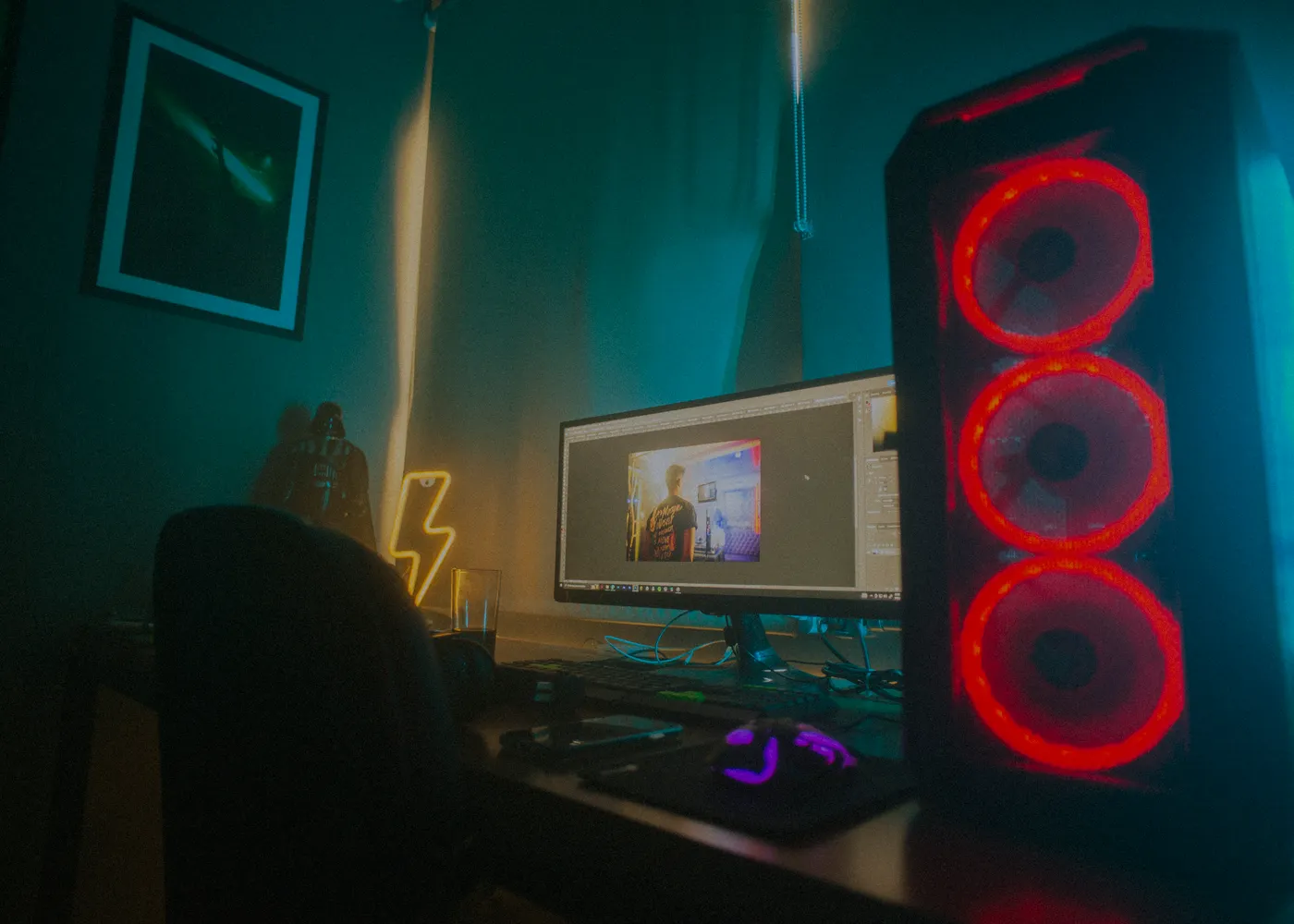

Competitive
Gaming Pulse
Smooth, responsive play in popular titles and esports games, with room left over for Discord, a browser or a stream.

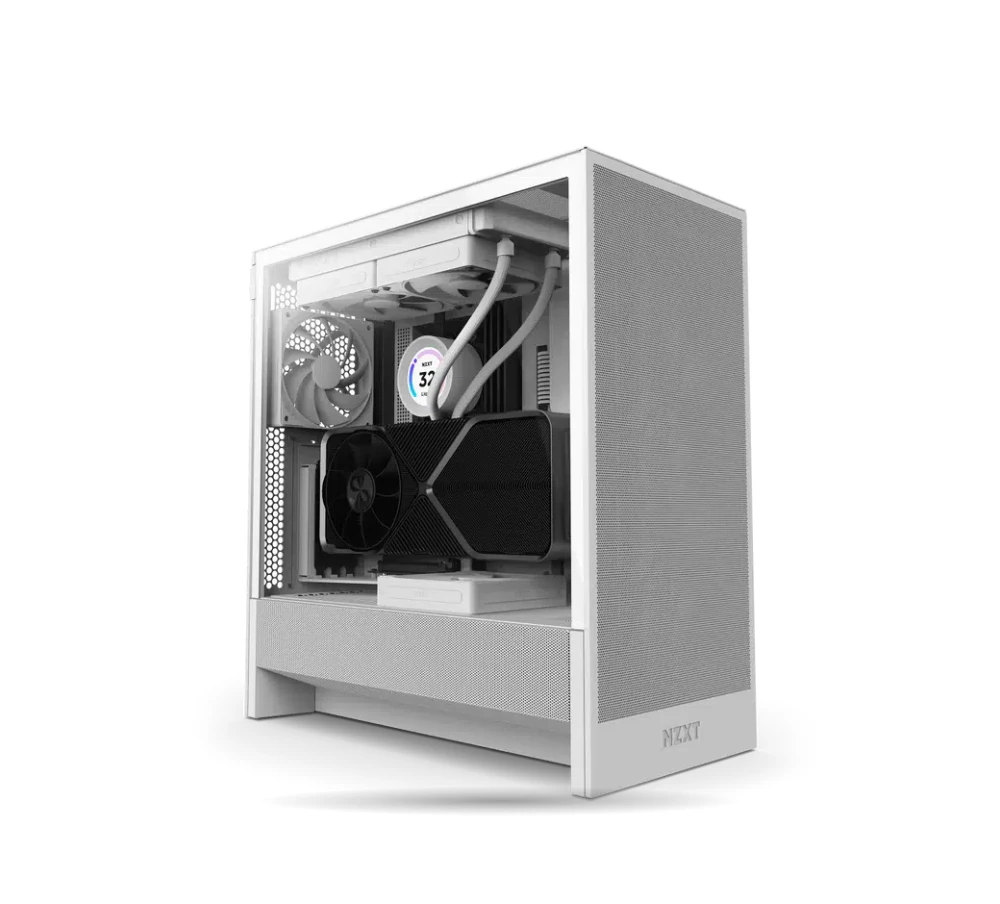
Immersive
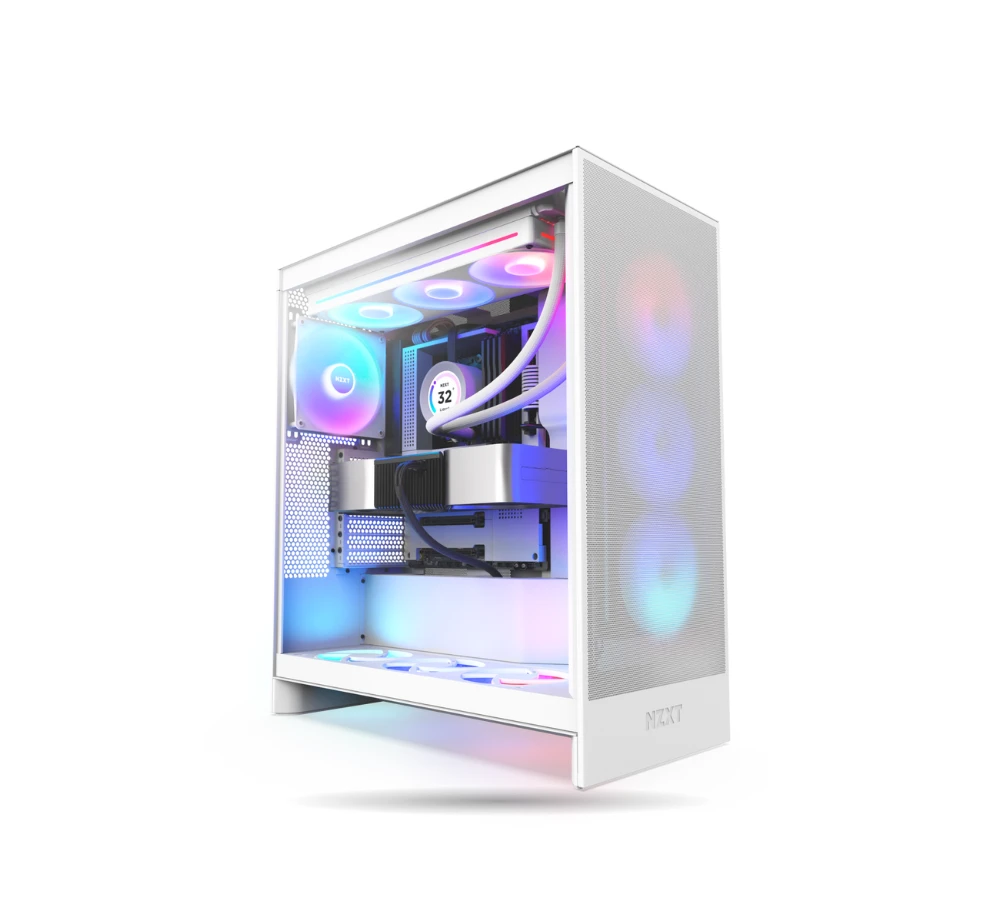
Gaming Neo
A processor chosen specifically for gaming and built for high settings, with space inside the case for upgrades later on.
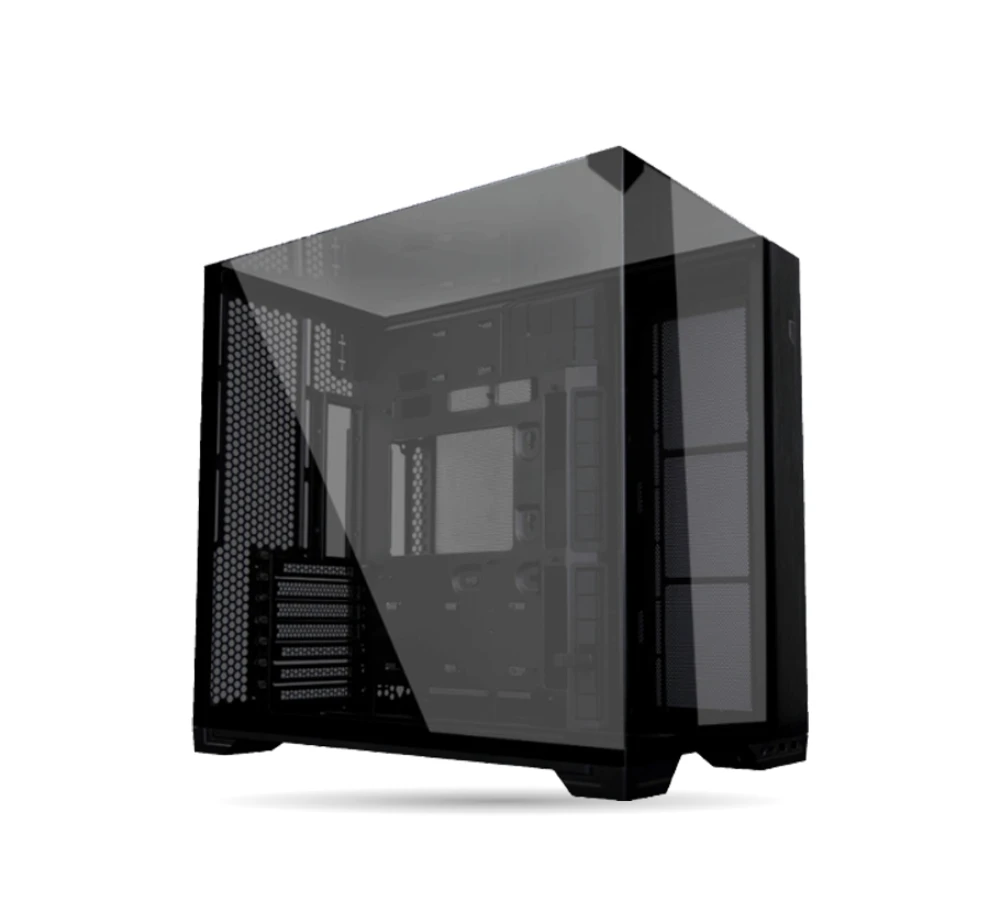
Cinematic
Gaming Ultra
Our strongest gaming processor, a more powerful graphics card, more memory than Neo and the biggest cooling in the range.
Compare | Match it to your monitor.
Your monitor decides how hard the computer has to work. Pick the PC that matches the screen you play on, or the one you’re about to buy.

Gaming Pulse
The monitor most gamers own today

Gaming Neo
A fast, sharp gaming monitor

Gaming Ultra
Fast high-resolution and ultrawide monitors
Every Model | What every Gaming PC gets right.
Every Part Named
Down to the power supply and the cooler. Your confirmation names the exact parts before you pay.
Checked When It Connects
The first time your computer connects to KoreHub, its core parts are checked against the record we kept.
Cooling For Long Sessions
Sized so the processor holds its pace through a long session instead of slowing down as it warms up.
Full-Size Case, Room To Grow
Air moves around the parts now, and there’s space for more storage, more memory or a new graphics card later.
Windows 11, Ready To Play
Installed and ready, with Auto HDR and DirectStorage there for the displays and games that support them.
Wired For Online Play
A network port for the steadiest connection to your game servers.

KoreHub, Included
Drivers, Upgrades And Help In One App.
KoreHub is the CyberKore app on your computer. It knows the exact parts inside, so it sends you to the right drivers, takes upgrade requests and opens support cases that already know your machine.
Drivers, software, firmware and guides link straight to each part’s maker. No overlays, no live readings, no tracking: KoreHub doesn’t monitor your hardware or report how you use your computer.
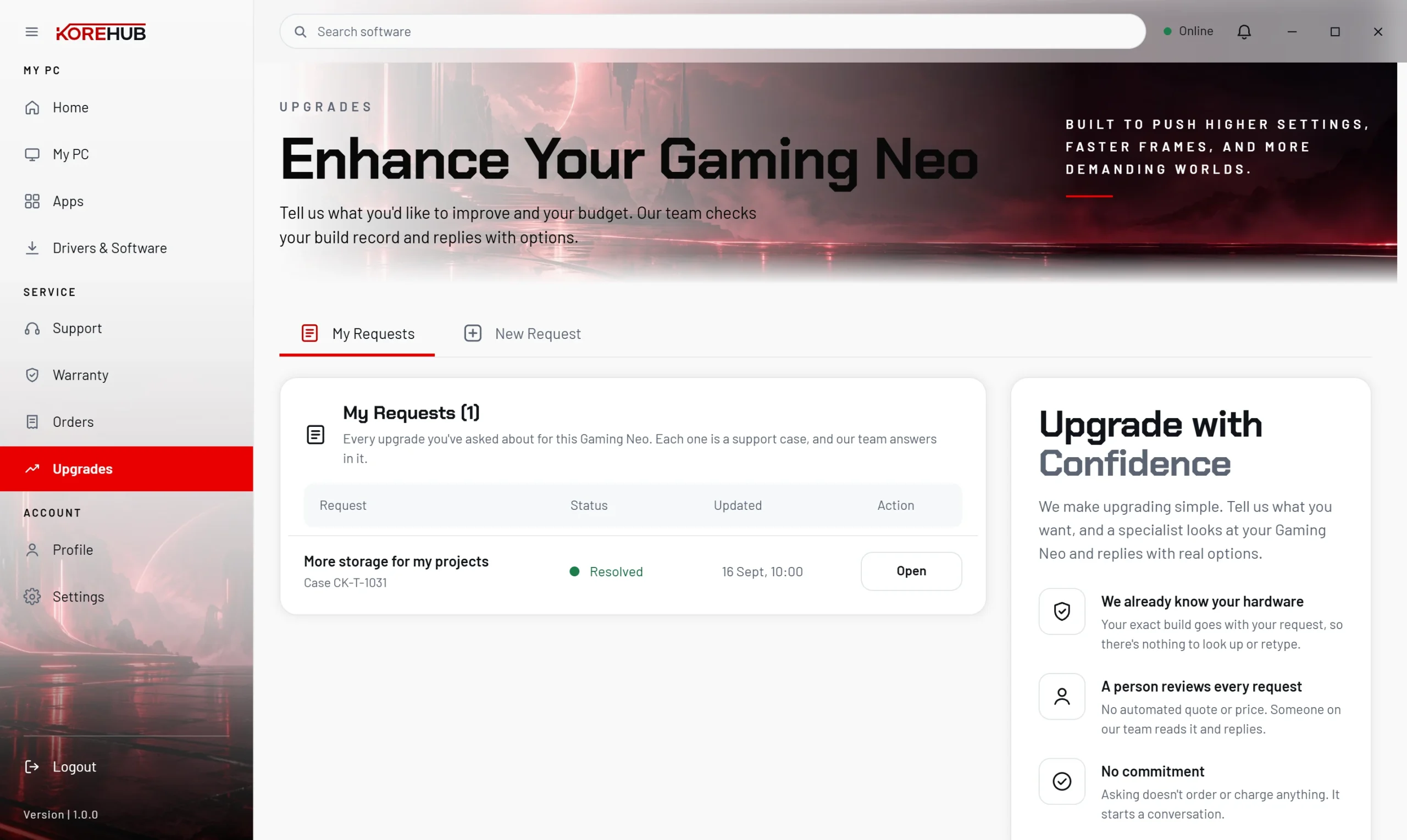
New Card Out? Just Ask.
Pick what you want to improve, like higher frame rates, streaming while you play or room for more games. A specialist looks at your exact PC and replies with real options.
- A person reviews every request
- No automatic quote
- Asking commits you to nothing
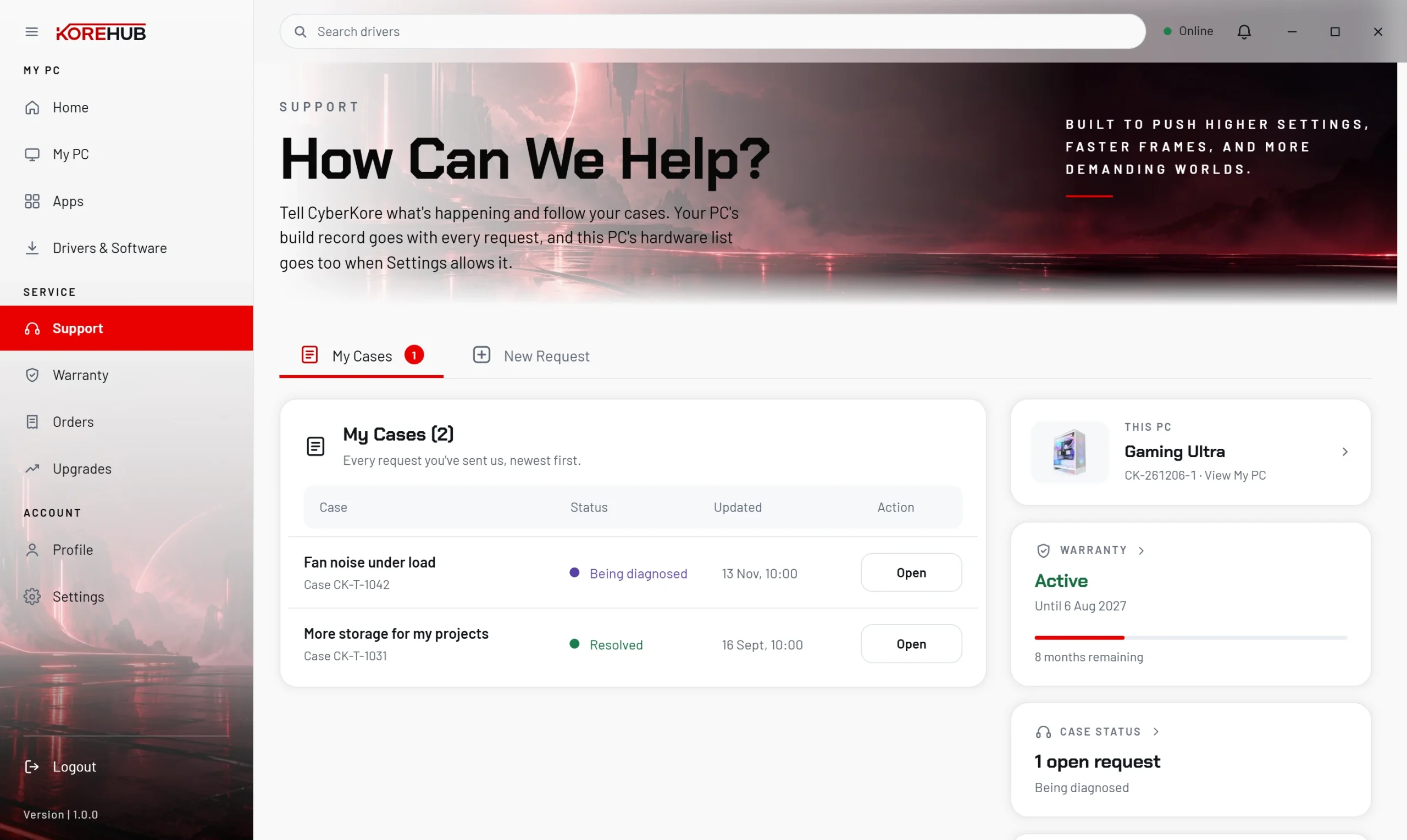
Help That Knows Your Rig.
Open a case and your computer’s details go with it, after you’ve seen what’s sent. You describe the problem, not your hardware.
- Serial, model and exact parts attached
- A person at CyberKore replies
- Replies arrive in KoreHub
Also in KoreHub: your launchers, in one list.
SteamEpic GamesXboxBattle.netEA appUbisoft ConnectDiscordOBS StudioYour graphics card’s app
Questions | What players ask us.
Tell us what you play and what you play it on, and we’ll point you to the right PC.