KoreHub

The app that knows your computer.

KoreHub comes with every CyberKore. Sign in on your computer and its parts, its warranty, your orders and your support cases are all in one place, tied to the machine you own.

No extra charge. It doesn’t monitor your hardware or report how you use your computer.

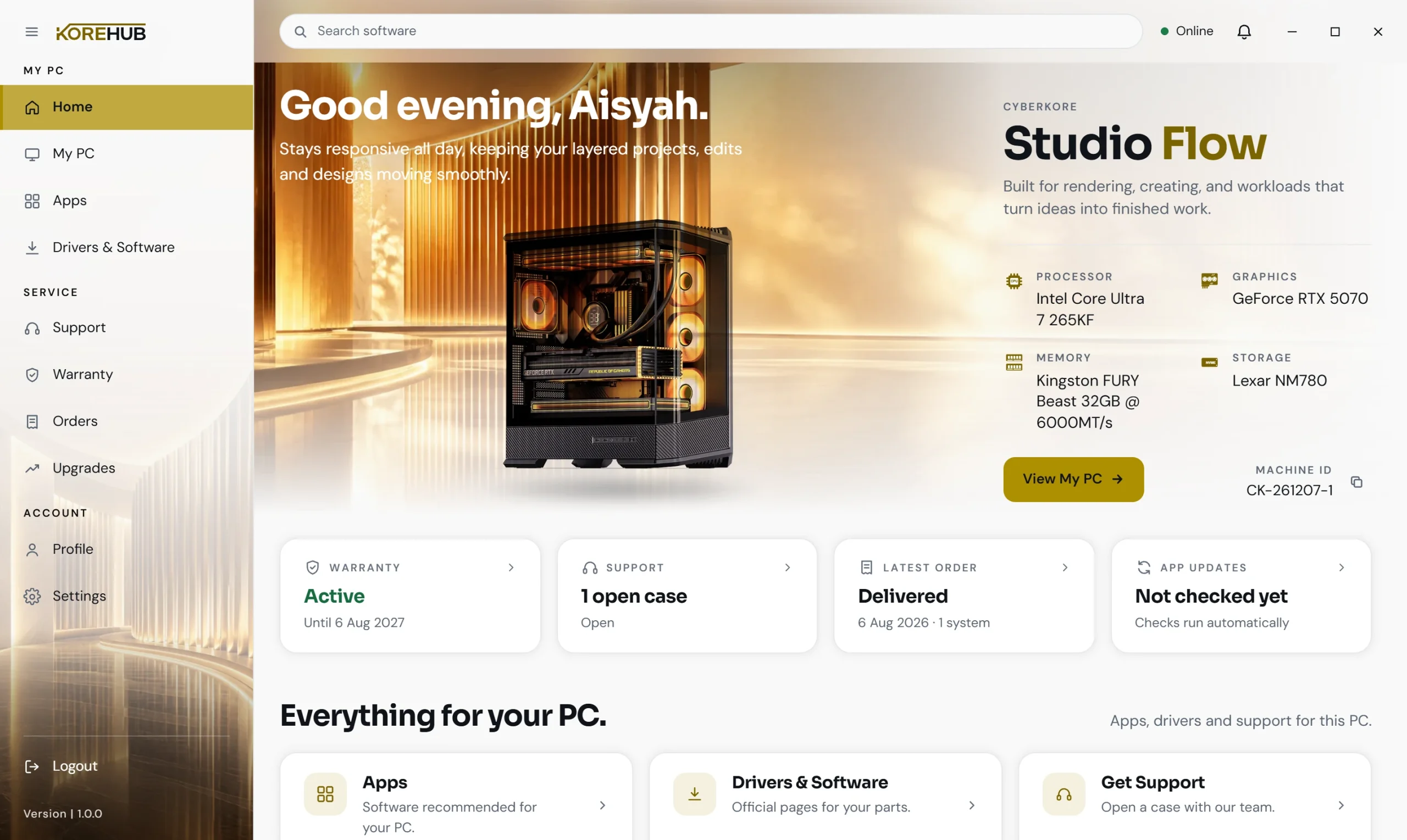
KoreHub Home screen on a Studio Flow

Inside KoreHub | Everything about your machine, in one window.

Each part of the app does one job. Here is what you’ll find, shown on real screens.
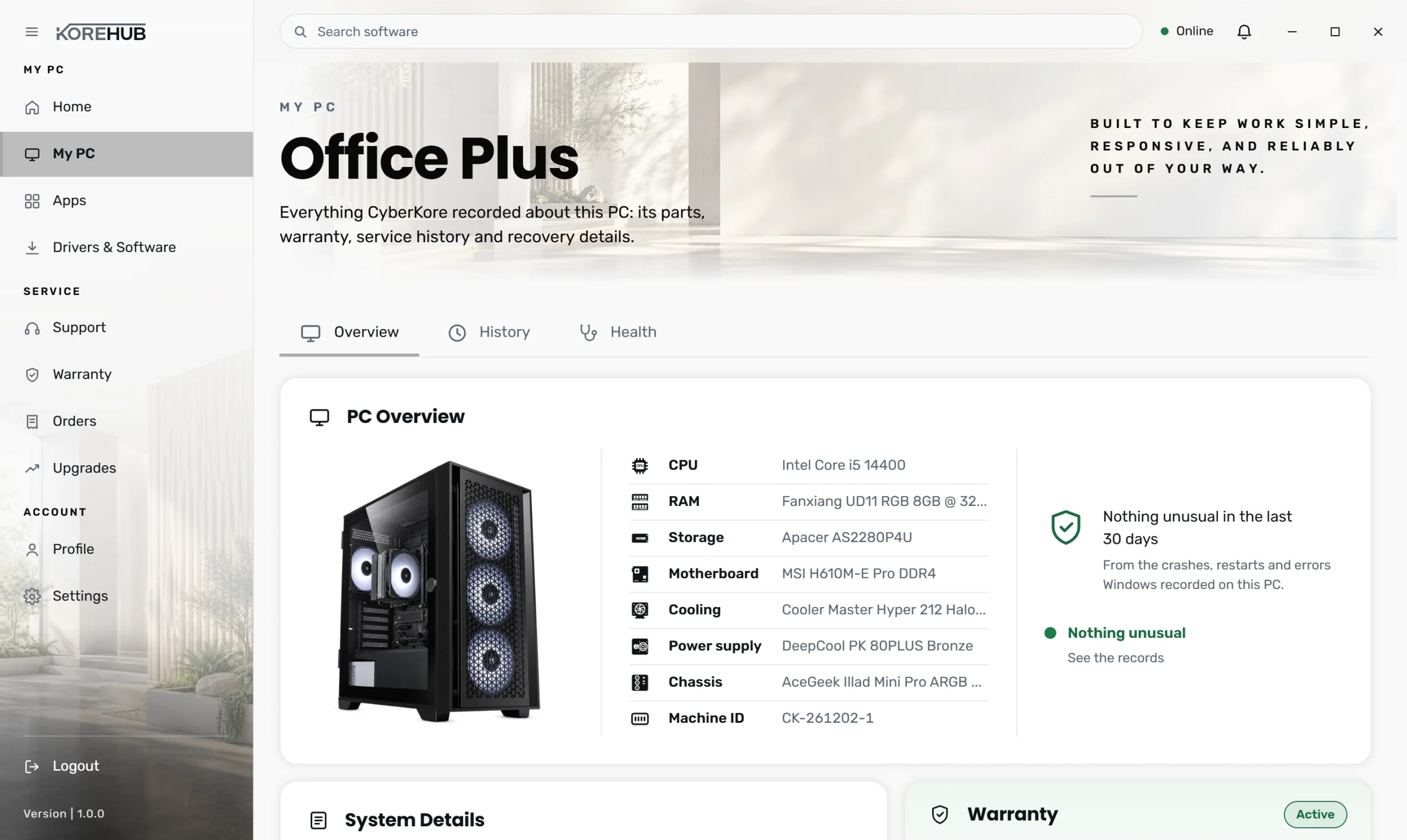
KoreHub My PC screen on an Office Plus, with its parts

My PC

Every part, named and kept on file.

See exactly what your computer was built with, the way it was recorded on the day it was built. Not the range’s specification, your machine’s own.
  • Every installed part, by name

  • Your serial number and machine ID

  • When it was built and registered

  • A health check that reads Windows’ own records on your computer

Warranty

Cover you can check any day.

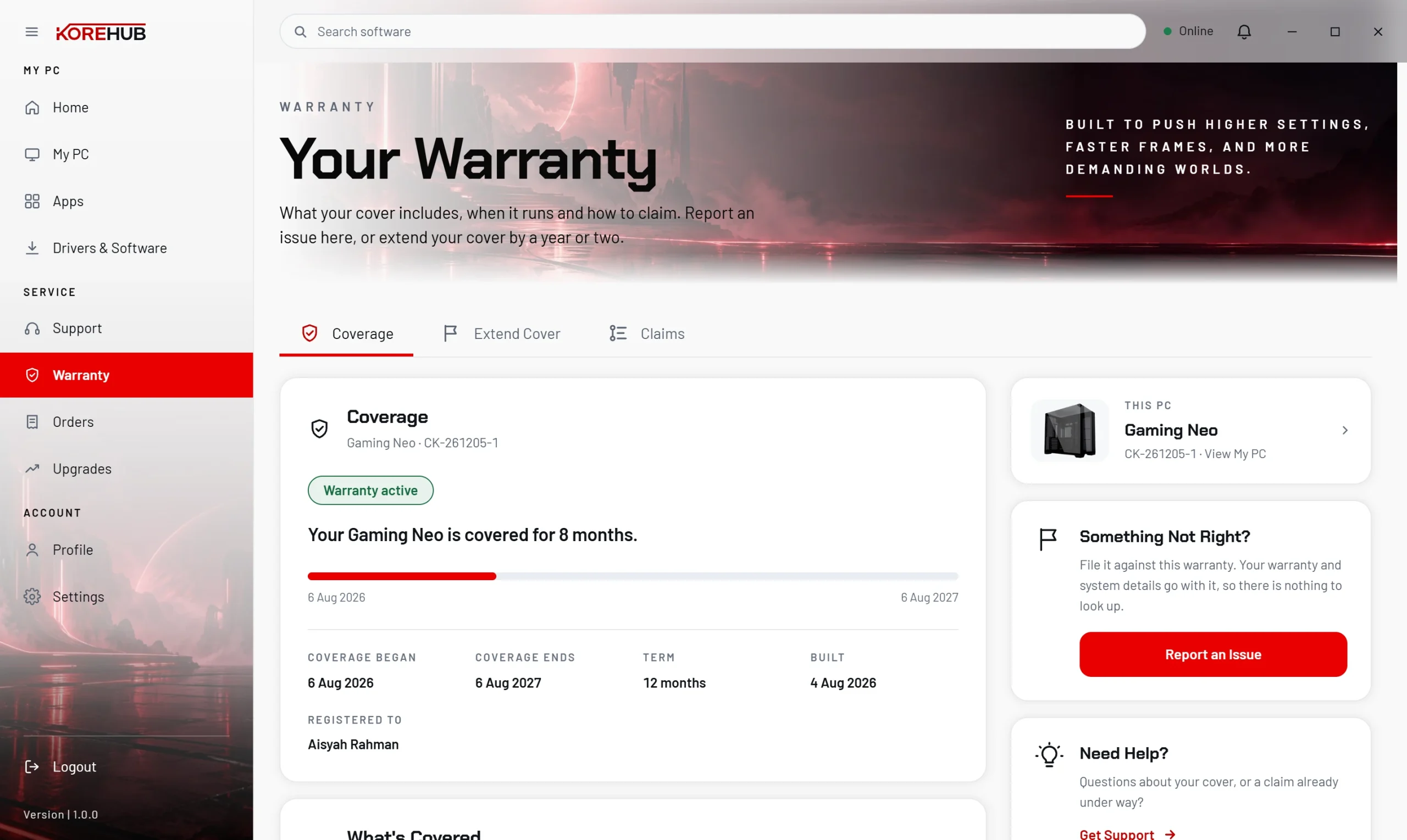
Your warranty starts the day you claim your computer in KoreHub, and its end date is always one click away.

  • Start and end dates

  • What the cover includes

  • Extend it by one or two years, up to 36 months in total

  • How a claim works, before you ever need one

KoreHub Warranty screen on a Gaming Neo
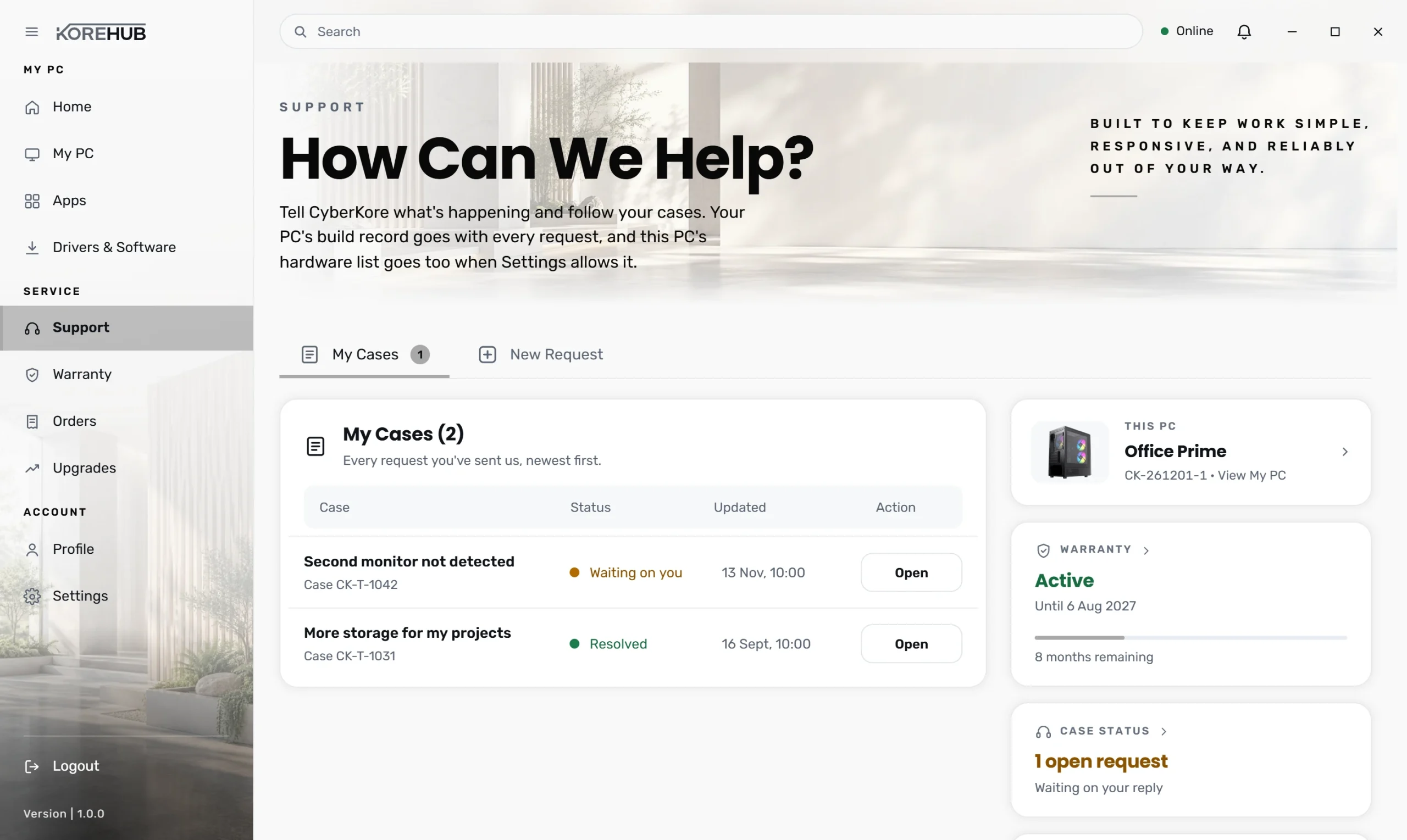
KoreHub Support screen on an Office Prime

Support

Open a case, and your details go with it.

Describe what’s happening. KoreHub attaches your serial number, model and parts, and shows you what will be sent before it goes.

  • A person at CyberKore reads every case

  • Replies arrive in the case, with a notification

  • Every case you’ve opened, newest first

Orders

Follow an order all the way to your door.

Every order you’ve placed with CyberKore, and how far along it is, from payment to delivery.
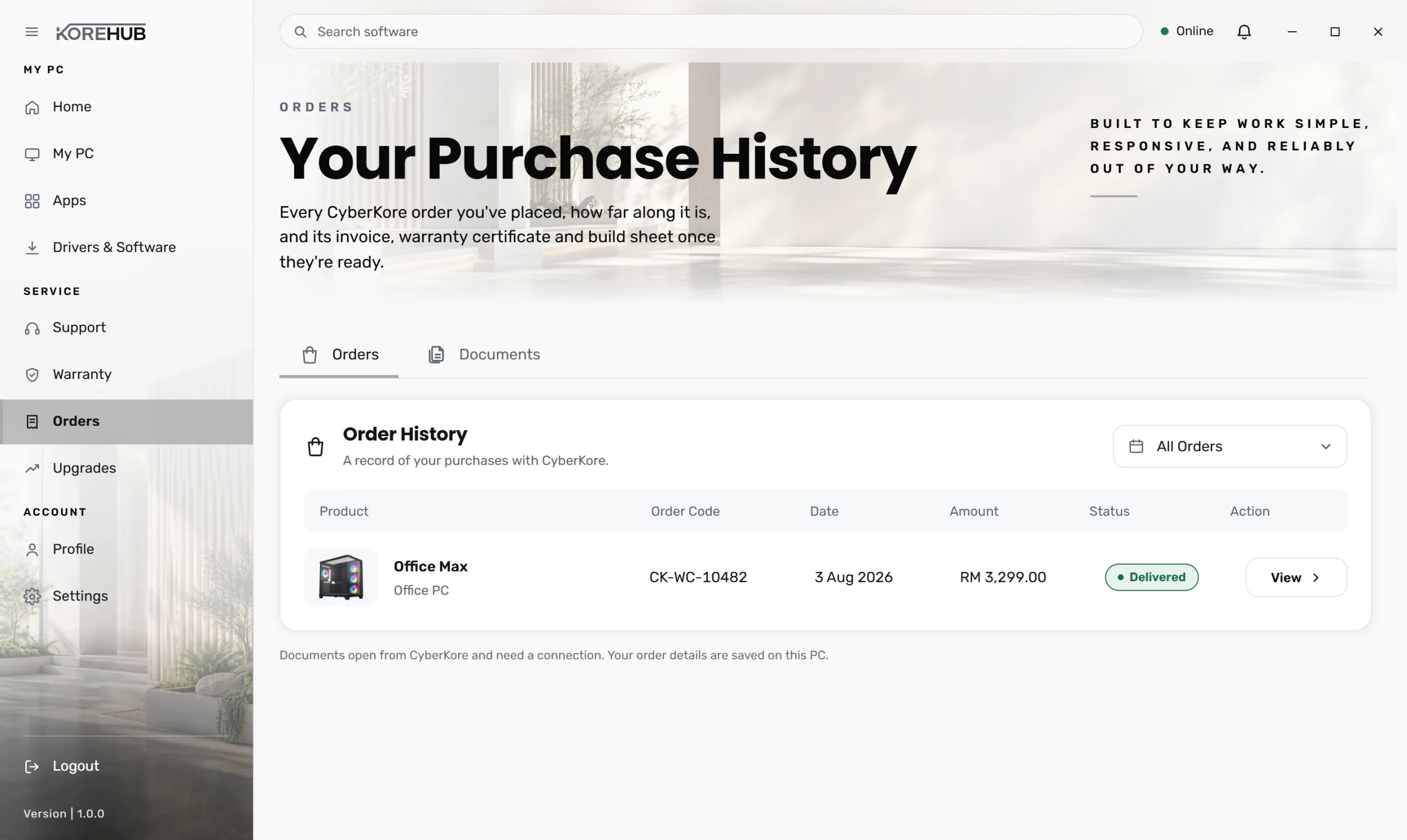
  • Where each order is right now

  • The courier and tracking number once it ships

KoreHub Orders screen on an Office Max
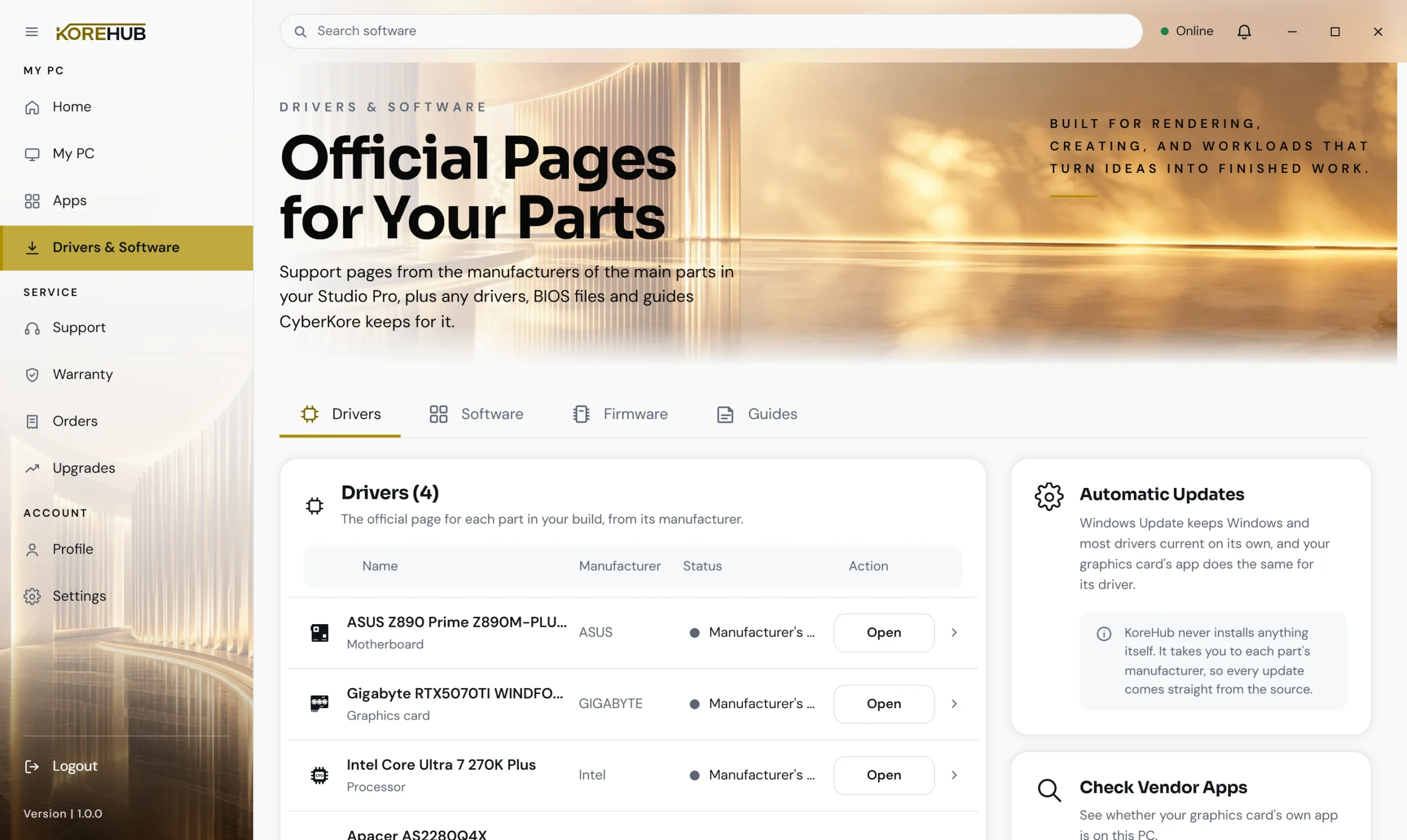
KoreHub Drivers & Software screen on a Studio Pro

Apps · Drivers & Software

The right drivers, straight from each maker.

KoreHub knows which parts are inside, so it points you to their drivers on each maker’s own site, alongside free apps picked for what your lineup does.

  • Drivers matched to your exact parts

  • Downloads from the maker, never a copy

  • Free apps for work, play or creating

Upgrades

Ask for more, and a person replies.

Say what you’d like your computer to do better. We already know what’s inside, so a CyberKore specialist answers with real options.
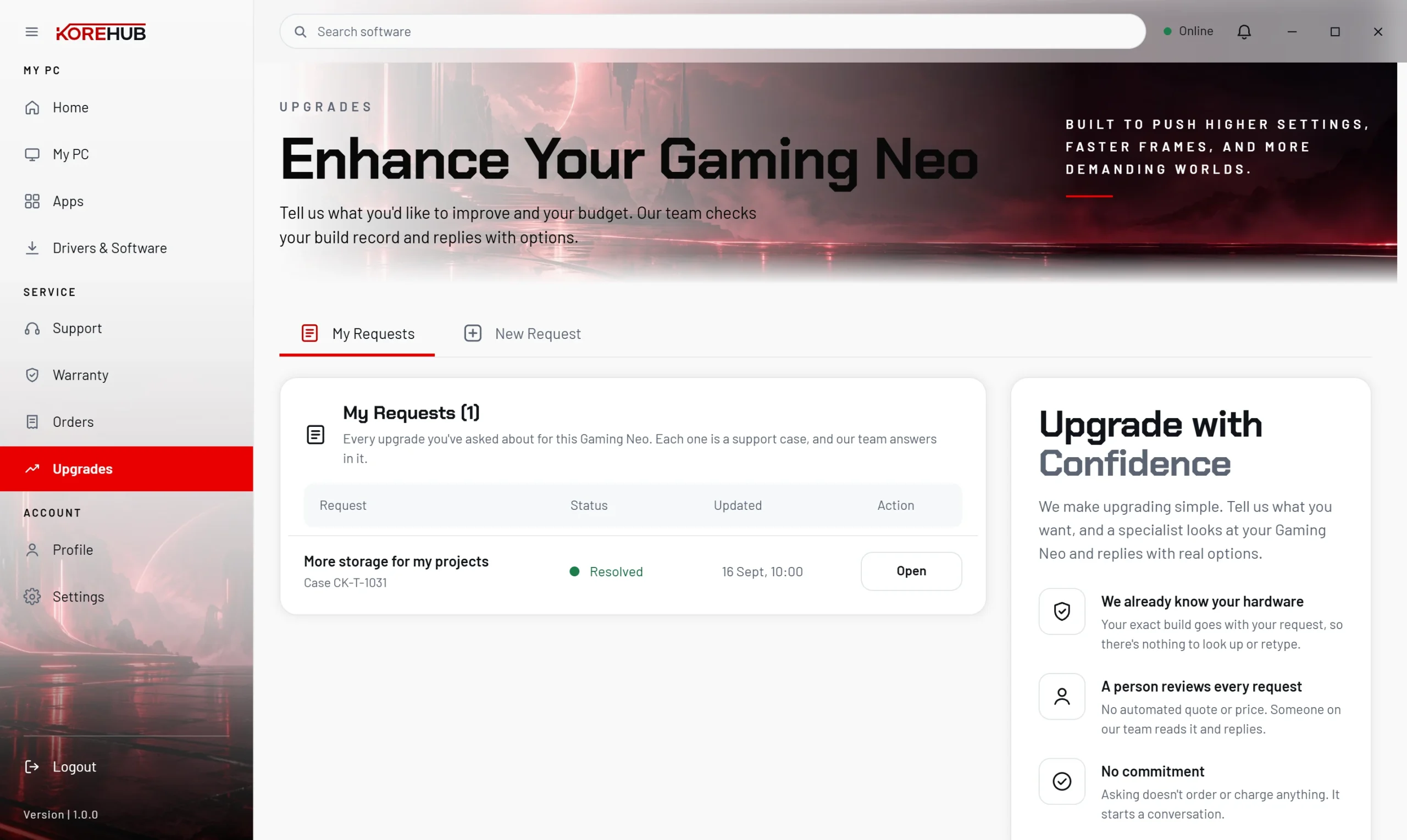
  • No automatic quote

  • Asking doesn’t order or charge anything

  • It’s kept with your support history

KoreHub Upgrades screen on a Gaming Neo

Your Privacy | What stays on your computer.

KoreHub reads your computer to show it to you. Very little of that ever leaves it, and you see what does.

No tracking

KoreHub doesn’t track how you use your computer, and nothing is sent on a schedule.

No live readings

It never samples temperatures, speeds or fan noise. What you see comes from your build record.

The health check stays put

It reads Windows’ own crash and reliability records on your computer and sends nothing.

You see it before it’s sent

A support case shows exactly which details go with it. You can switch hardware details off in Settings.

One check at the claim

When you claim your computer, its list of parts and its hardware ID are recorded once, to recognize it as yours.

Your password stays with the store

You sign in with your store account. KoreHub never keeps your password.

Made For One Machine | It opens on your own CyberKore, and nowhere else.

KoreHub is built for the computer you bought from us. On any other computer it stays closed, so your records are only ever shown on the machine they belong to.

Own more than one?

Switch between your CyberKore computers from the top of the app.

Windows, without a key to type

When you claim your computer, KoreHub activates Windows for you.

After a fresh start

If Windows is reinstalled, sign in again and KoreHub recognizes which of your computers it’s on.

KoreHub My PC screen on an Office Plus, with its parts

First Sign In | From the box to your first screen.

01

Your account is ready

We make your store account when you order, and email you a link to set its password.

02

Sign in on your computer

Open KoreHub on your new CyberKore and sign in with that account.

03

Claim your computer

Confirm it’s yours. Your warranty starts that day, and Windows activates.

04

That’s it

Parts, warranty, orders and support are all in the app from then on.

Asked About KoreHub | Before you sign in.

The questions people ask about the app most often.
No. It comes with every CyberKore computer at no extra charge.

No. KoreHub opens only on a CyberKore computer that belongs to the account you sign in with.

No. KoreHub has no tracking and sends nothing on a schedule. Your parts list and hardware ID are recorded once when you claim your computer. A support case shows you what it will send before it goes.

The day you claim your computer in KoreHub. You can see its start and end dates on the Warranty screen at any time.

Call us on 03-9056 5401, message us on WhatsApp at 016-593 0095, or email care@cyberkore.com.my.

Comes With Every One | Pick your computer. KoreHub is already part of it.

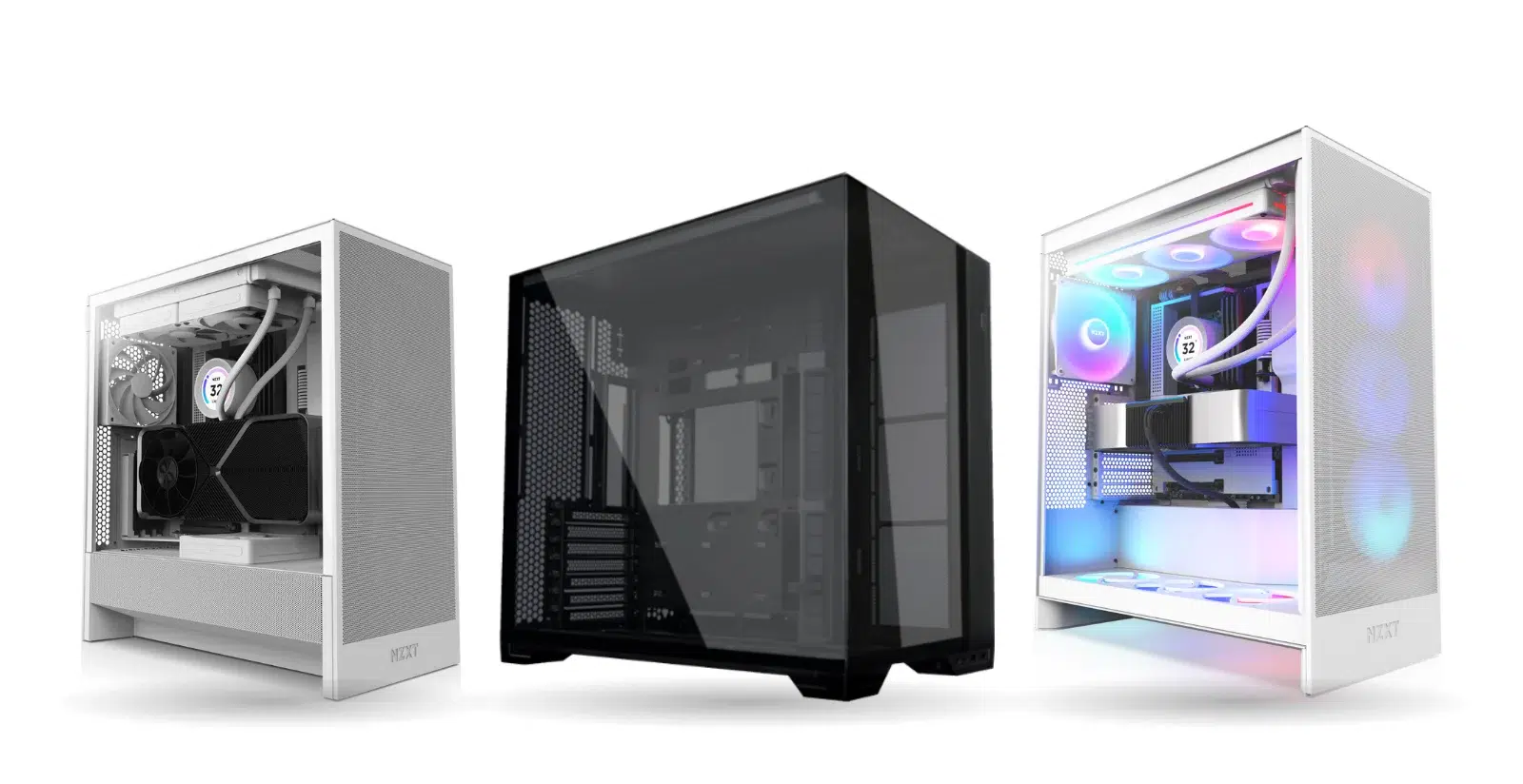
The three Office computers

Office

For the working day.

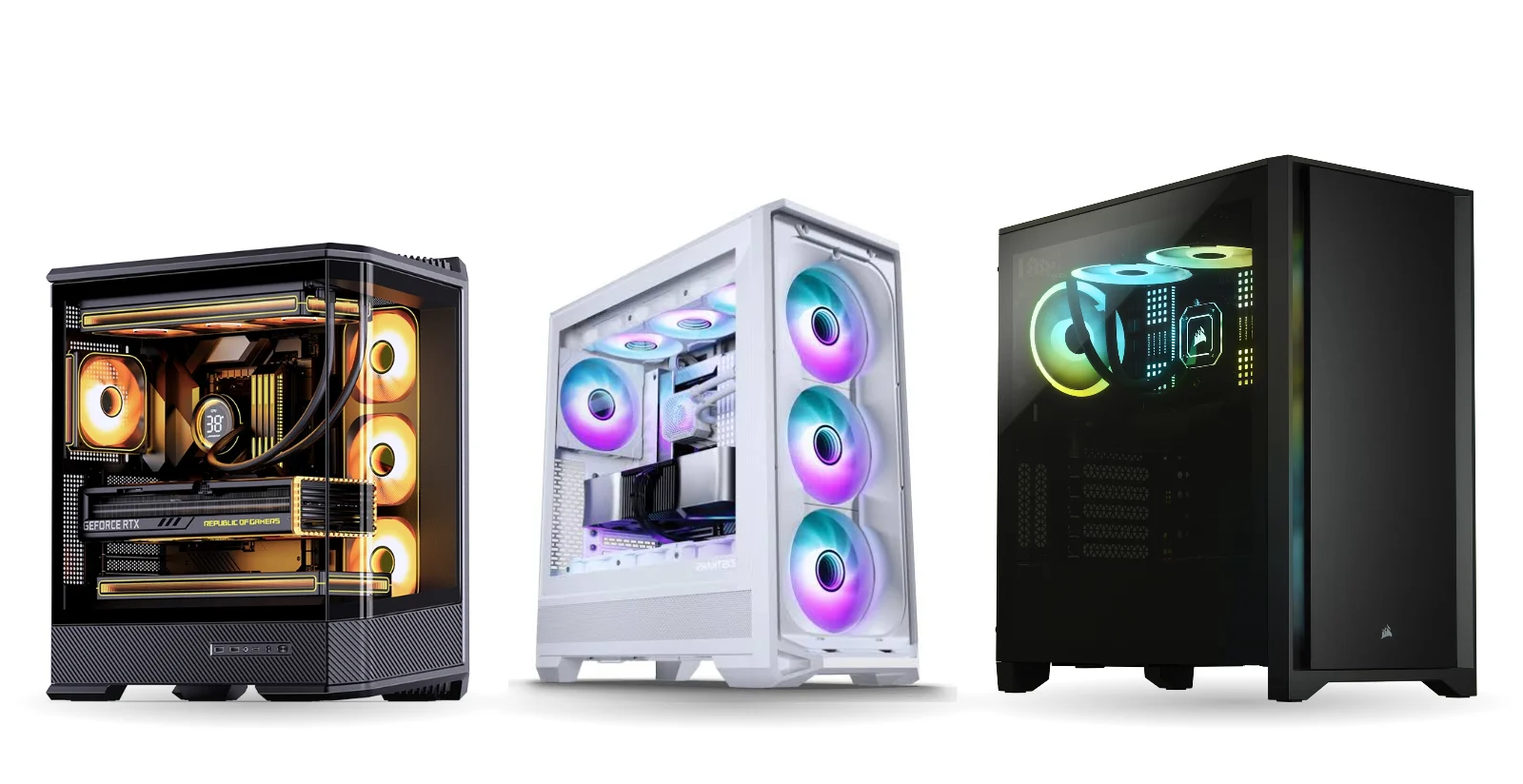
The three Gaming computers

Gaming

For playing at your best.

The three Studio computers

Studio

For the work you create.