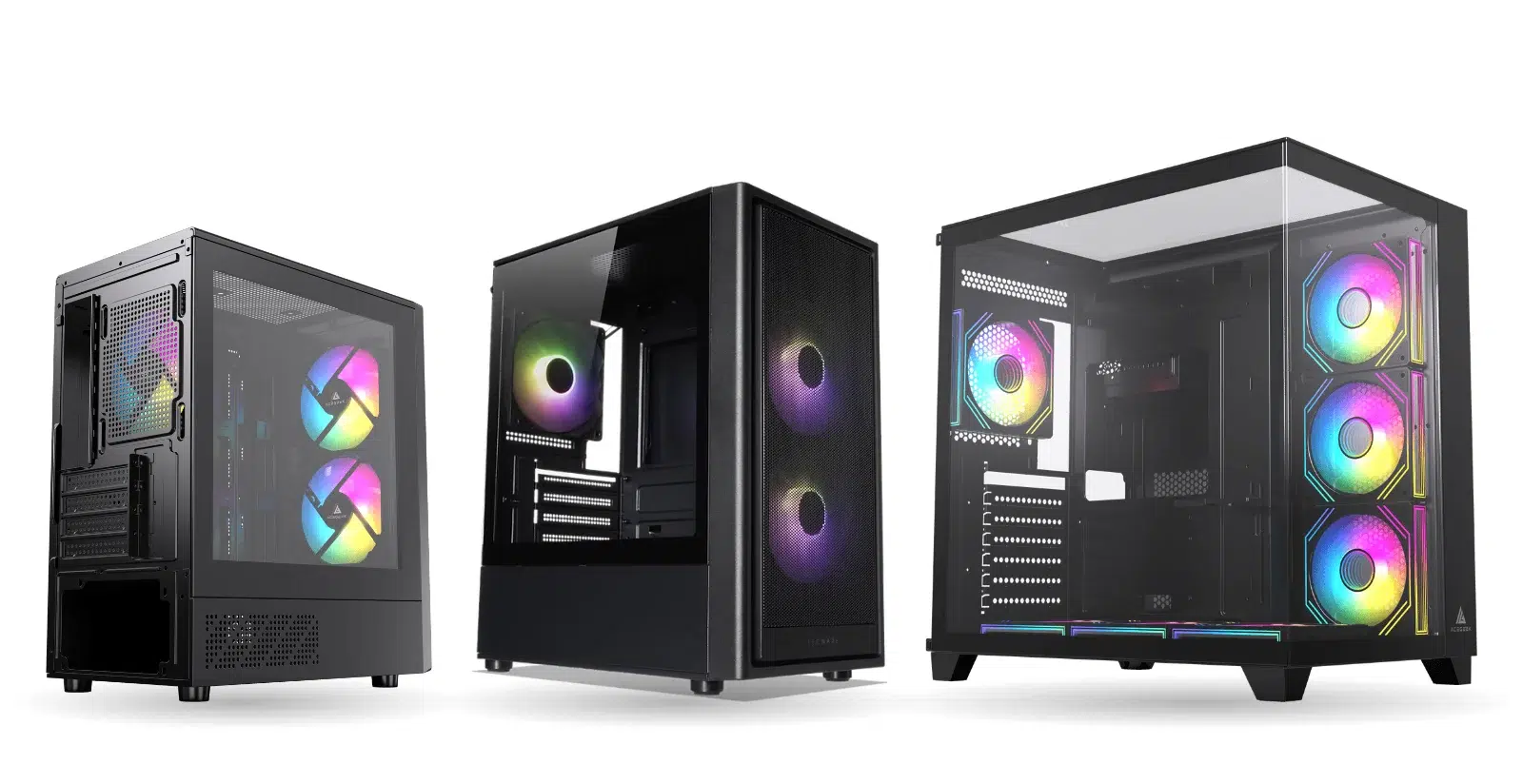
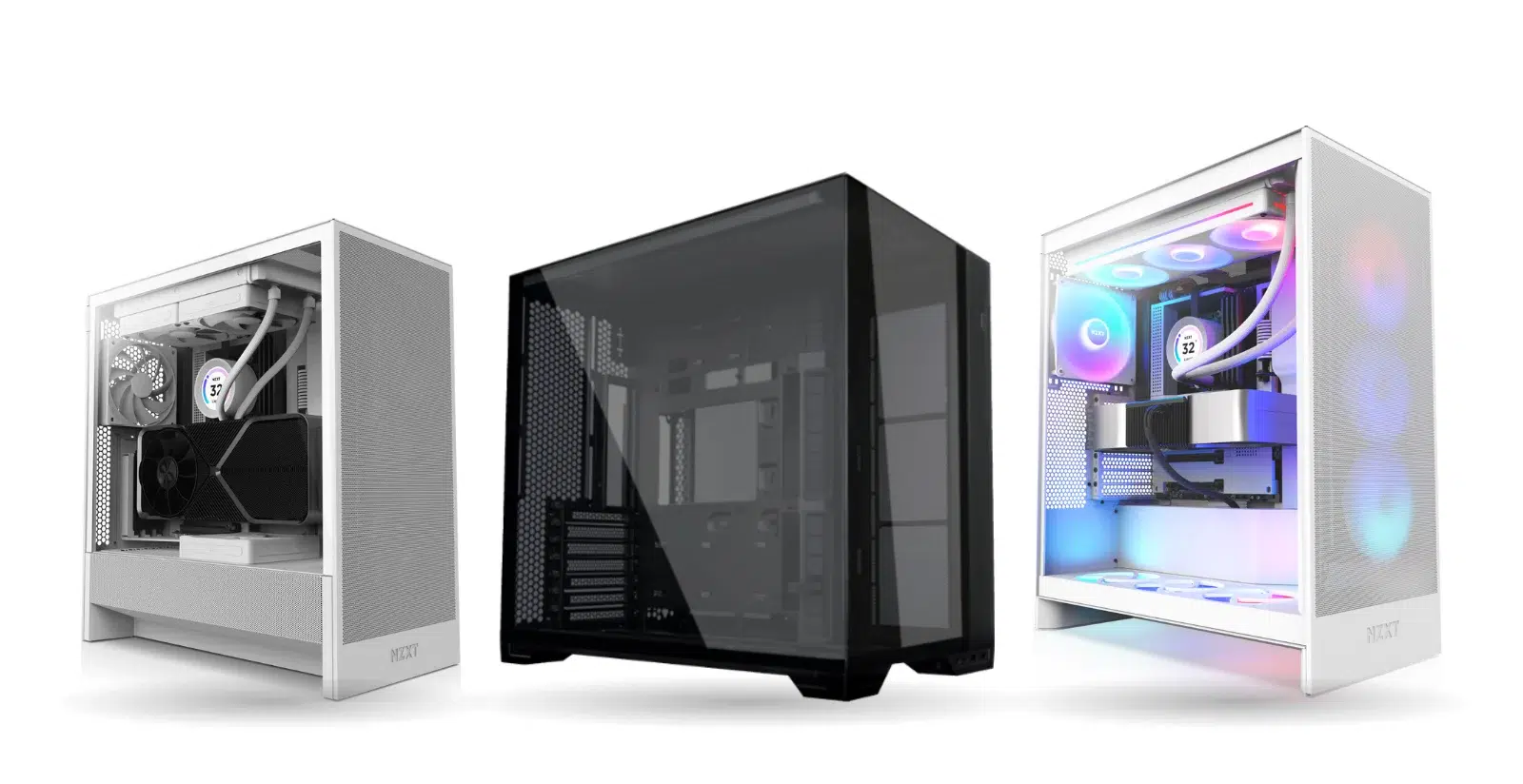
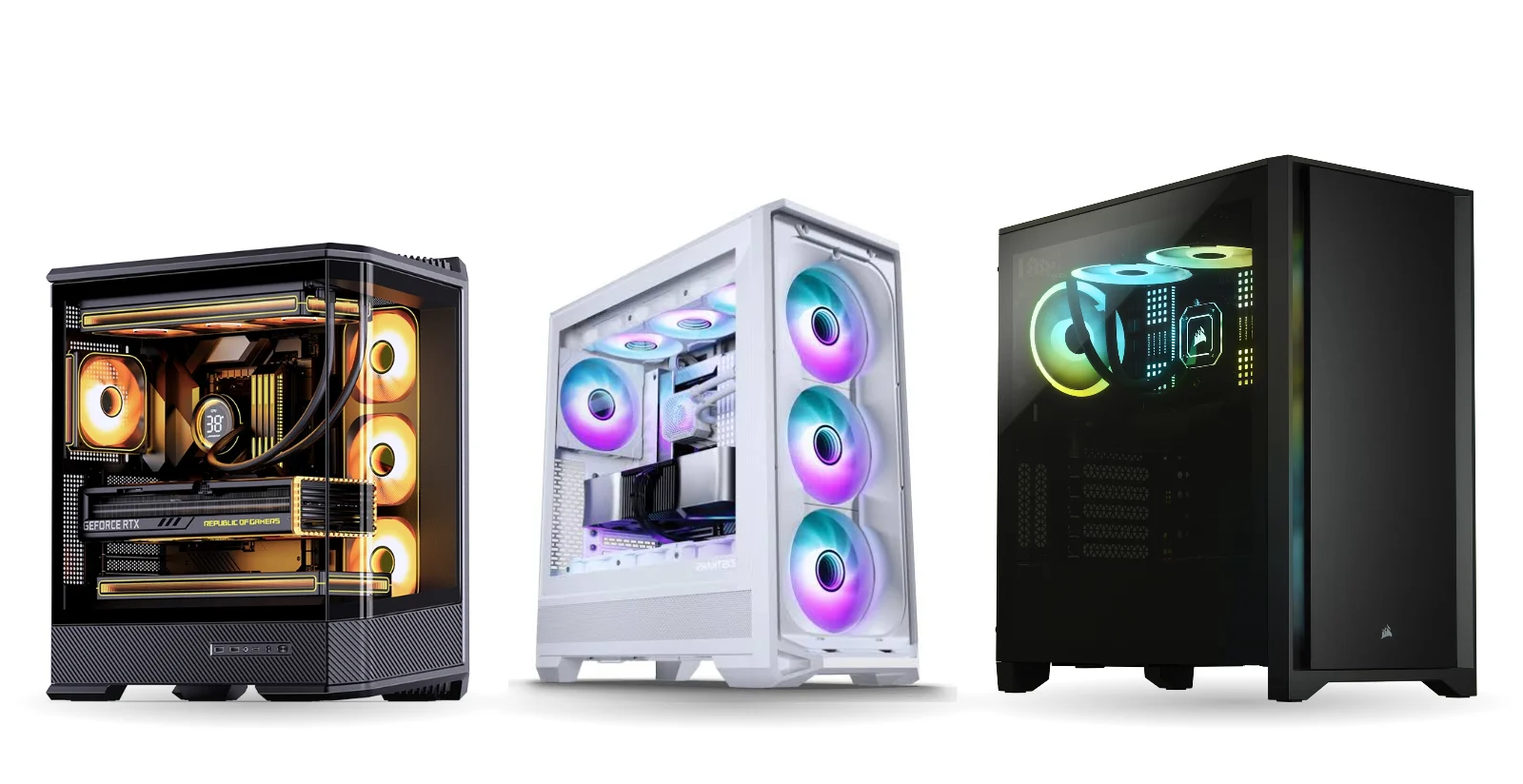
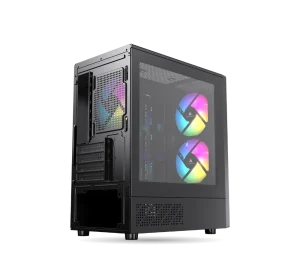
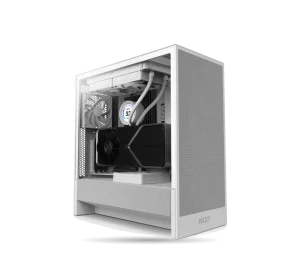
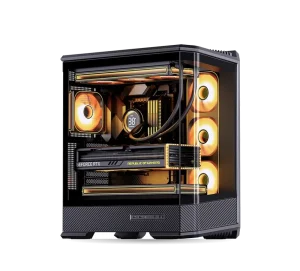
Made for your kind of work.
Whether it’s the front desk, gaming nights or a final render, there’s a CyberKore PC built for you.
12-month warranty
Free repair labor, starting the day you first sign in.
Every part named
The exact parts are listed before you pay.
Ready the day it arrives
Assembled by a professional workshop, Windows installed.
Help in KoreHub
Support that already knows your machine.
Choose Your Series | Start with what you’ll use it for.
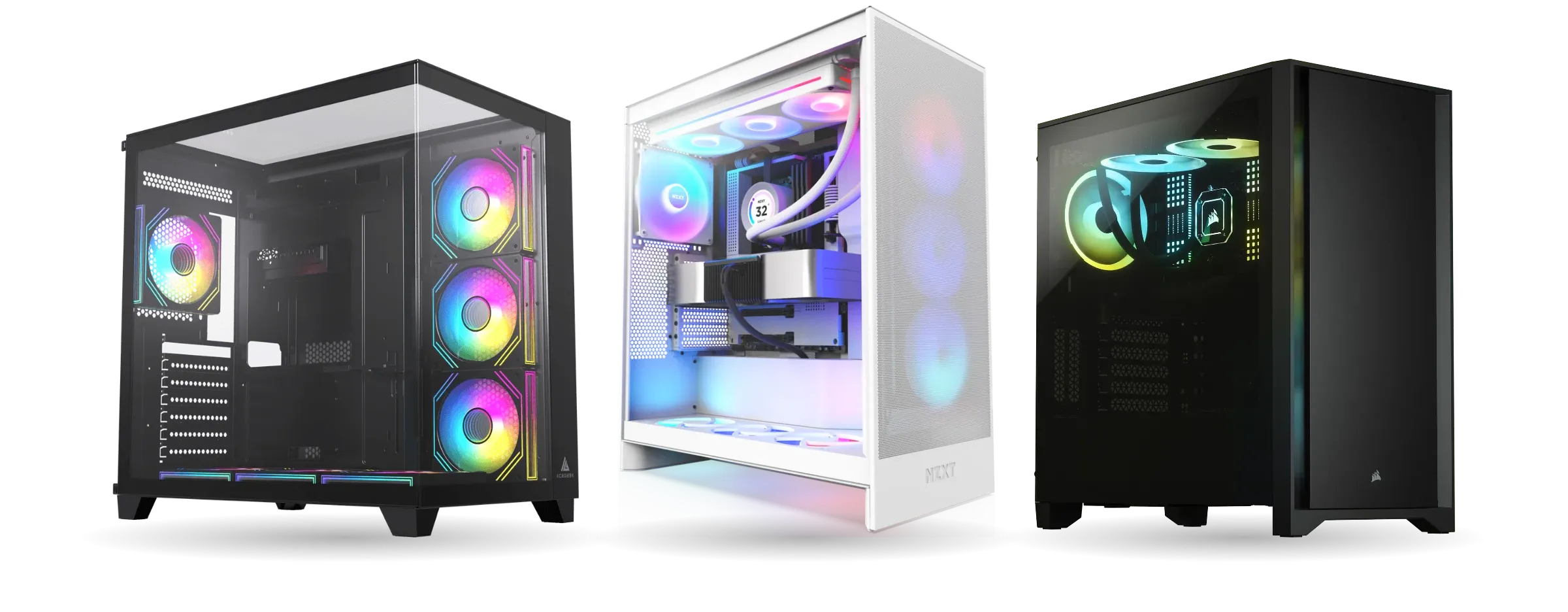
Three lineups. Nine unique computers. All built around real needs.
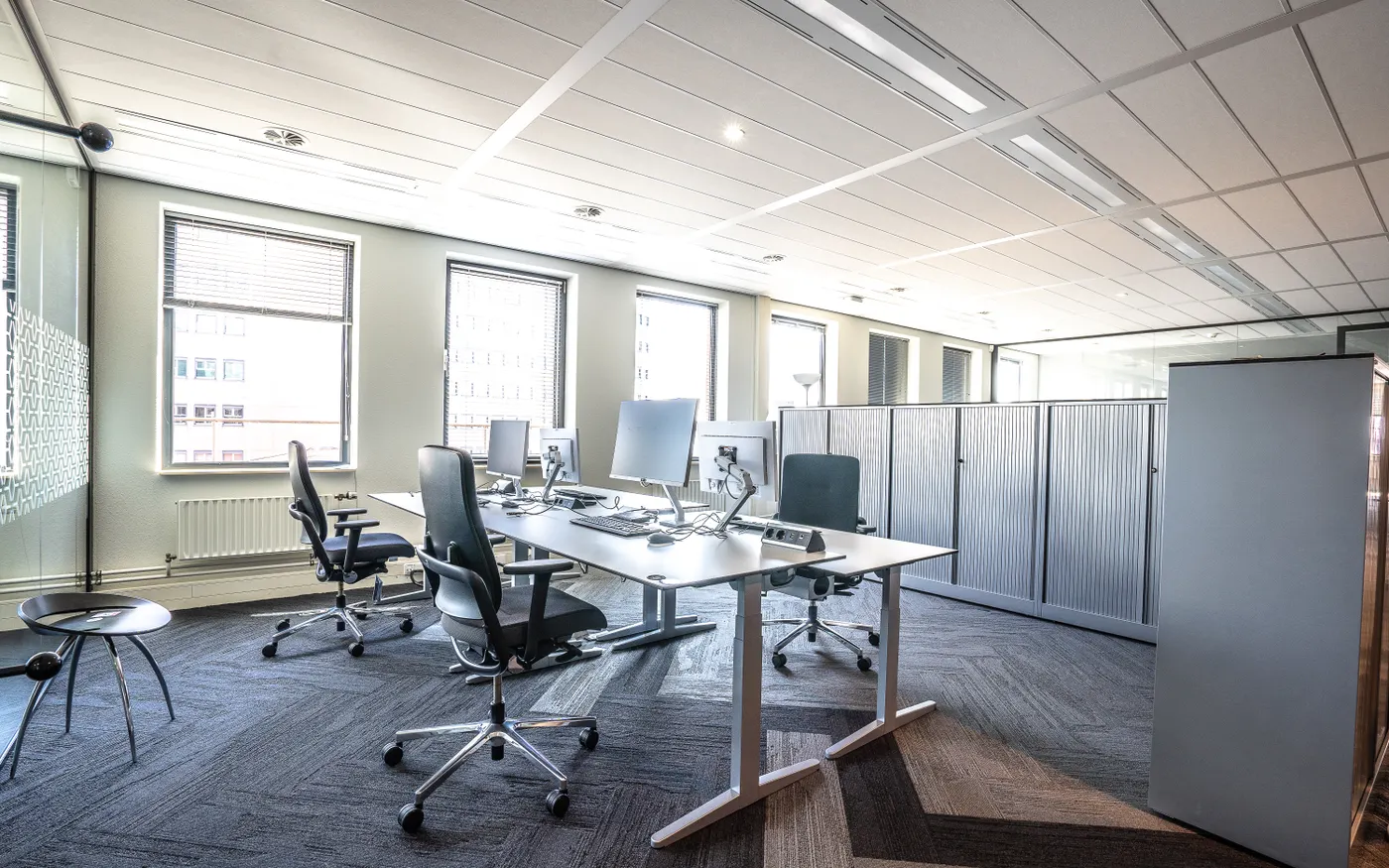
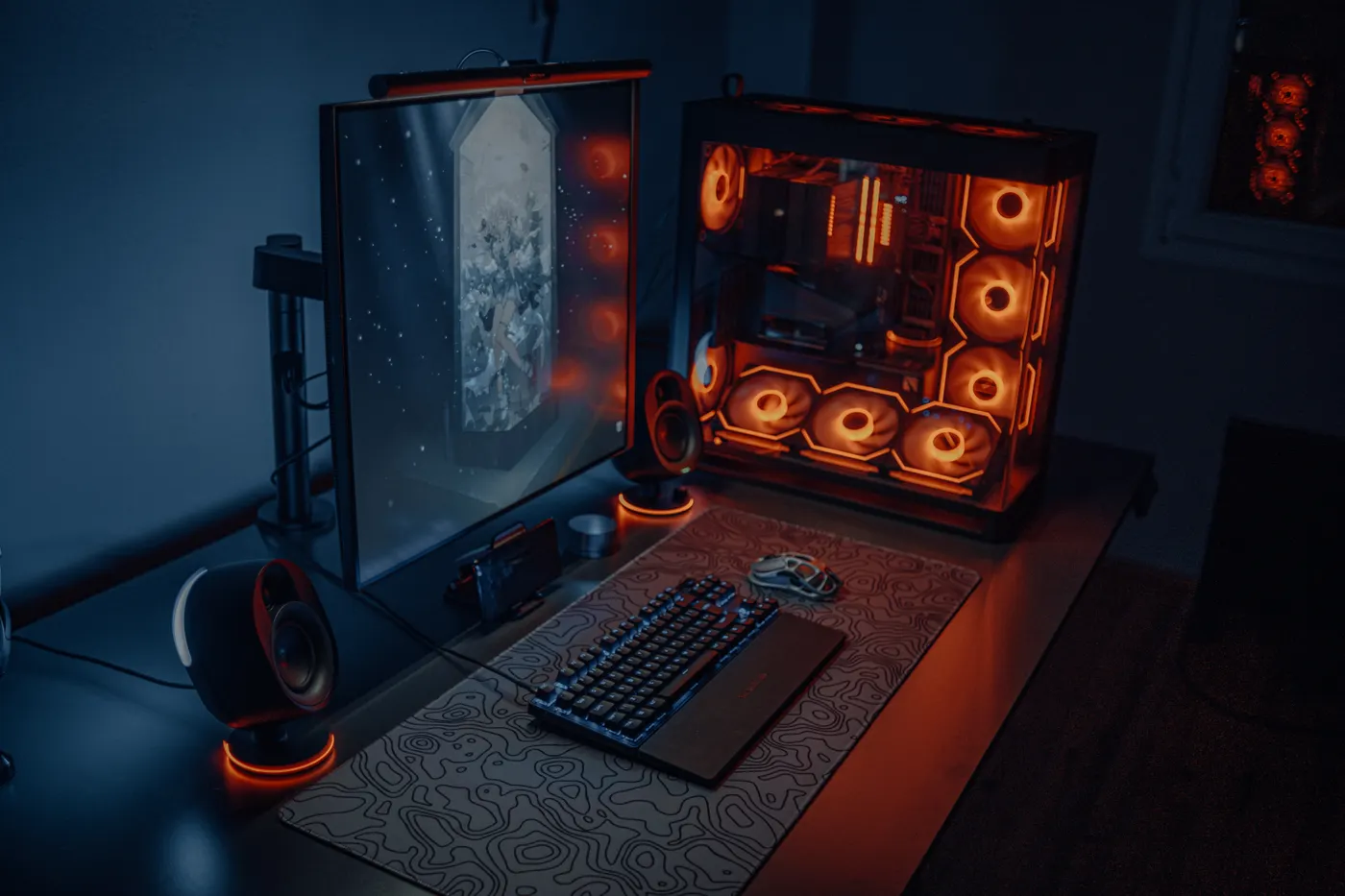
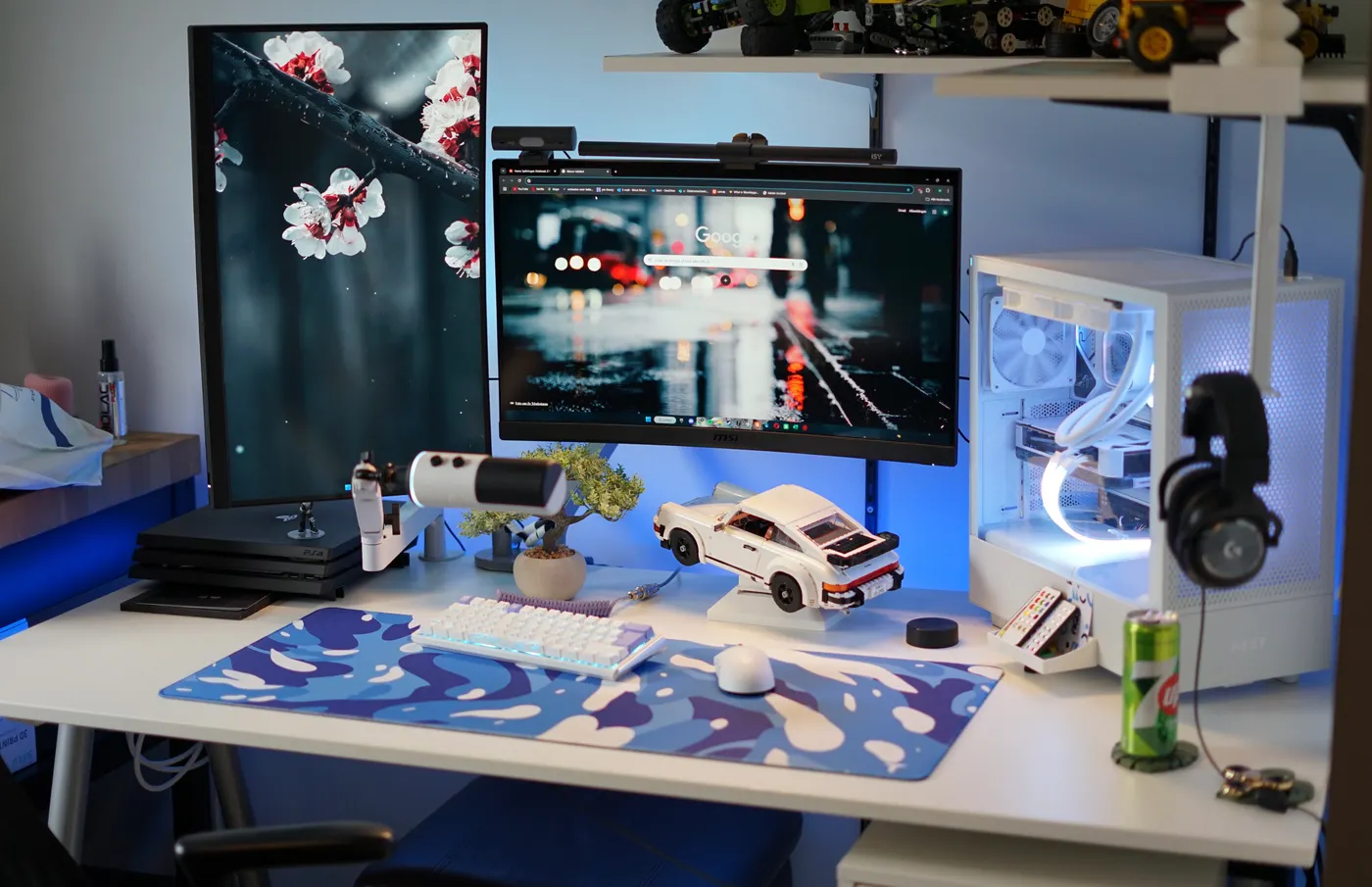
Why CyberKore | The easy way to own a computer.
Every CyberKore is built for one kind of work, checked against its own record, and looked after long after checkout.

Built for how you use it
Office, Gaming or Studio: every CyberKore is configured for one kind of work. Everything you need, nothing you don’t.

Current parts, chosen with purpose
Up-to-date processors and graphics picked for the job, and fast NVMe storage in every single machine.

Ready the day it arrives
Assembled by a professional workshop, Windows installed. Unbox it, plug it in, and get going.

Verified, not just promised
The first time your computer connects to KoreHub, its core parts are checked against the record we kept. You get what you paid for.

Help without the back-and-forth
Every support request arrives with your serial number and parts attached. You describe the problem, and we already know the machine.

Looked after, long after checkout
A 12-month warranty, real support and upgrade help, all tied to the computer you own.
Featured Systems | Three to start with.
Every lineup comes in three levels: Entry, Performance and Flagship. These three sit in the middle of the range, one from each lineup.
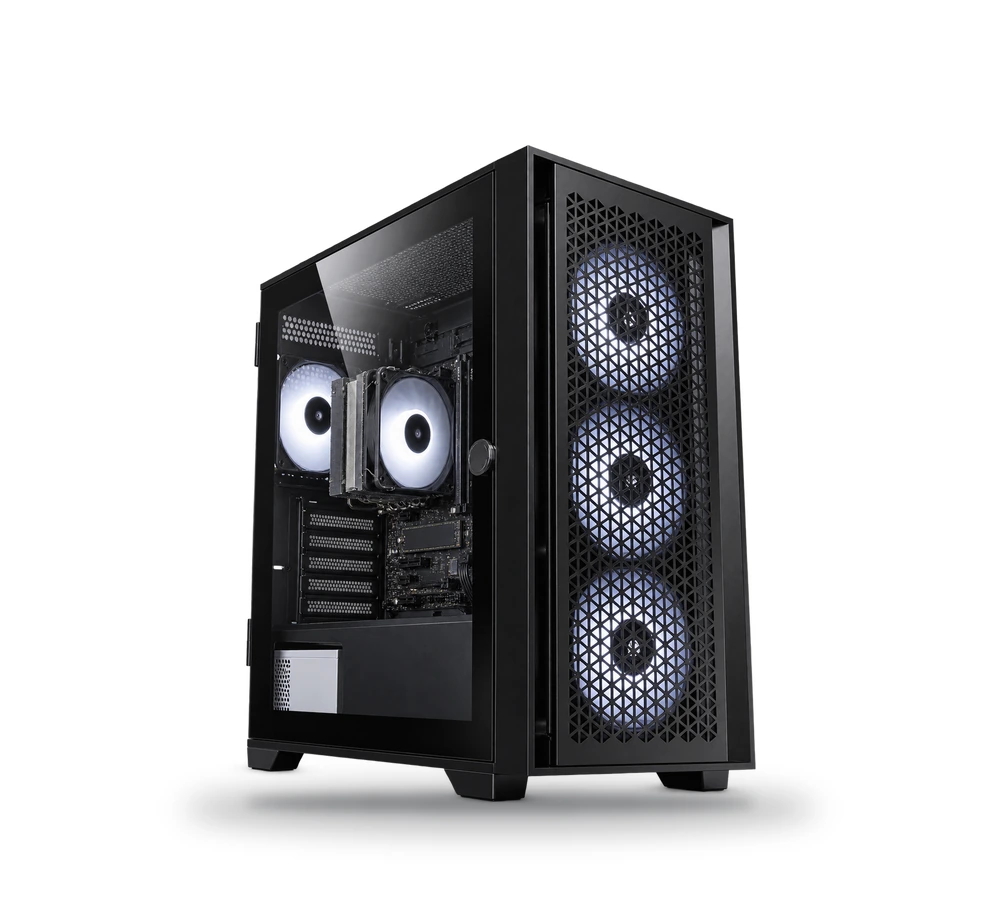
 Comes with KoreHub
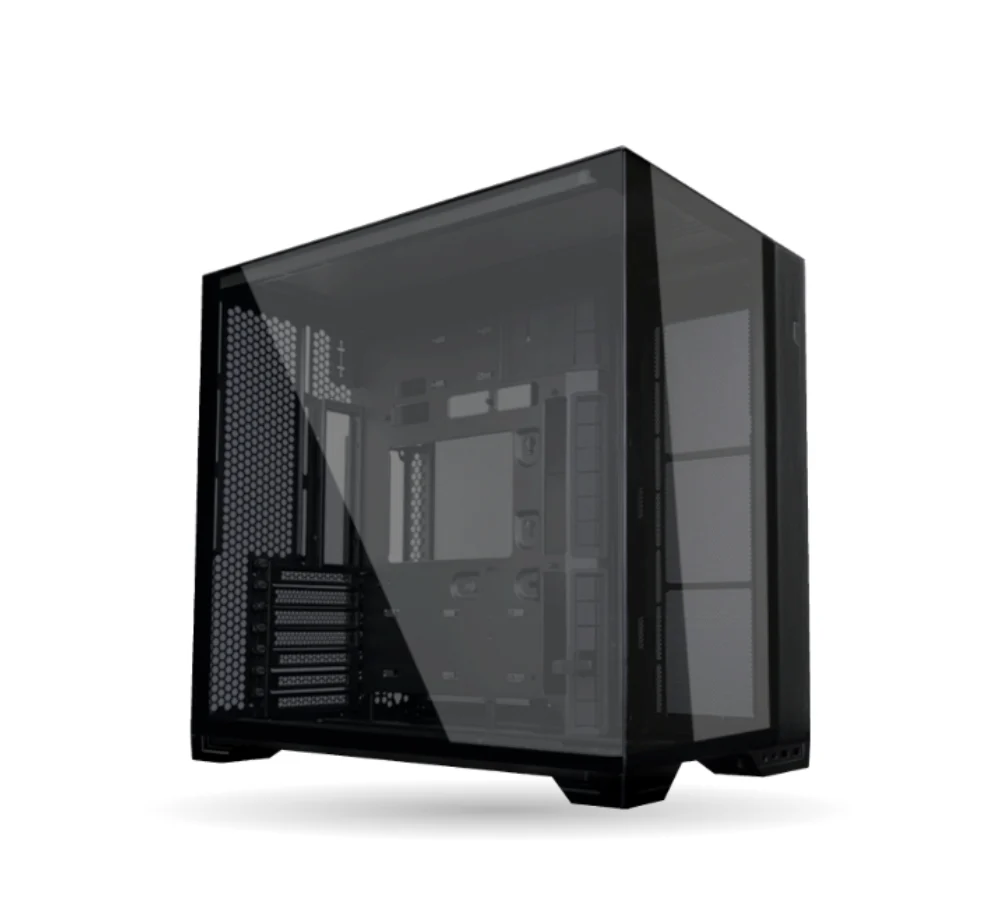
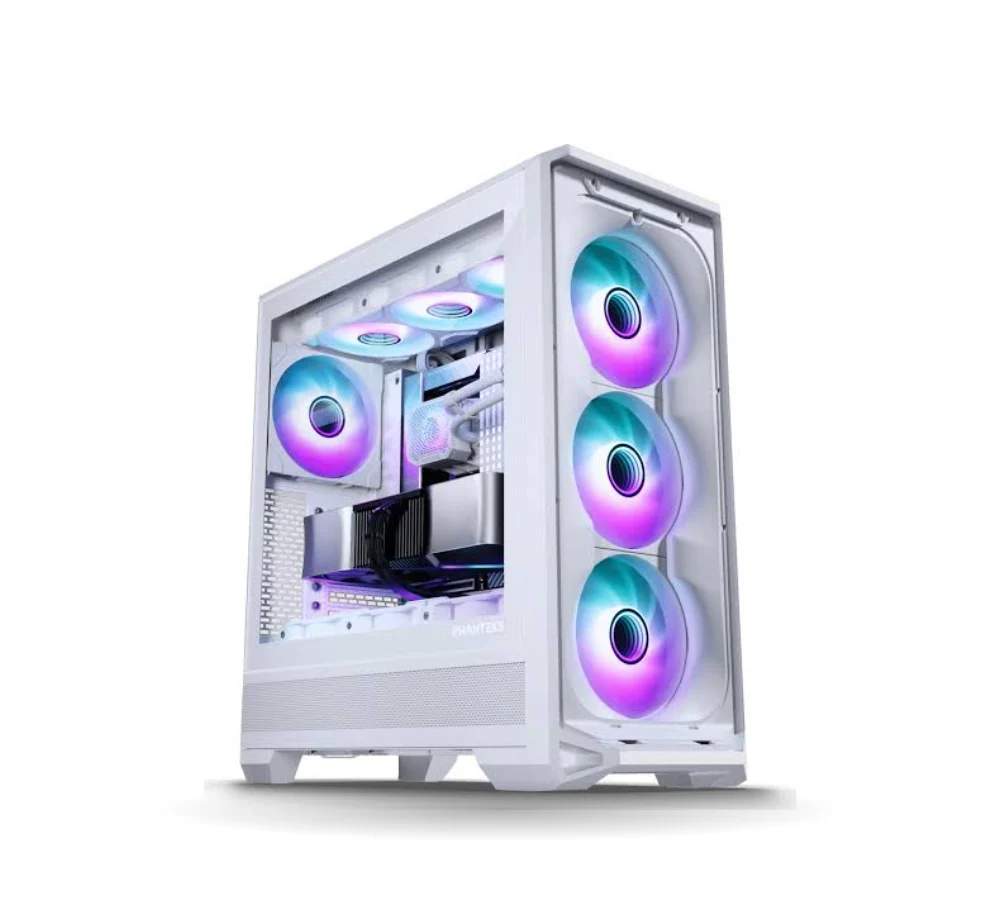

KoreHub is the CyberKore app on your computer. Sign in once and your parts, your warranty, your orders and support all know the machine they belong to.
It doesn’t monitor your hardware or report how you use your computer.
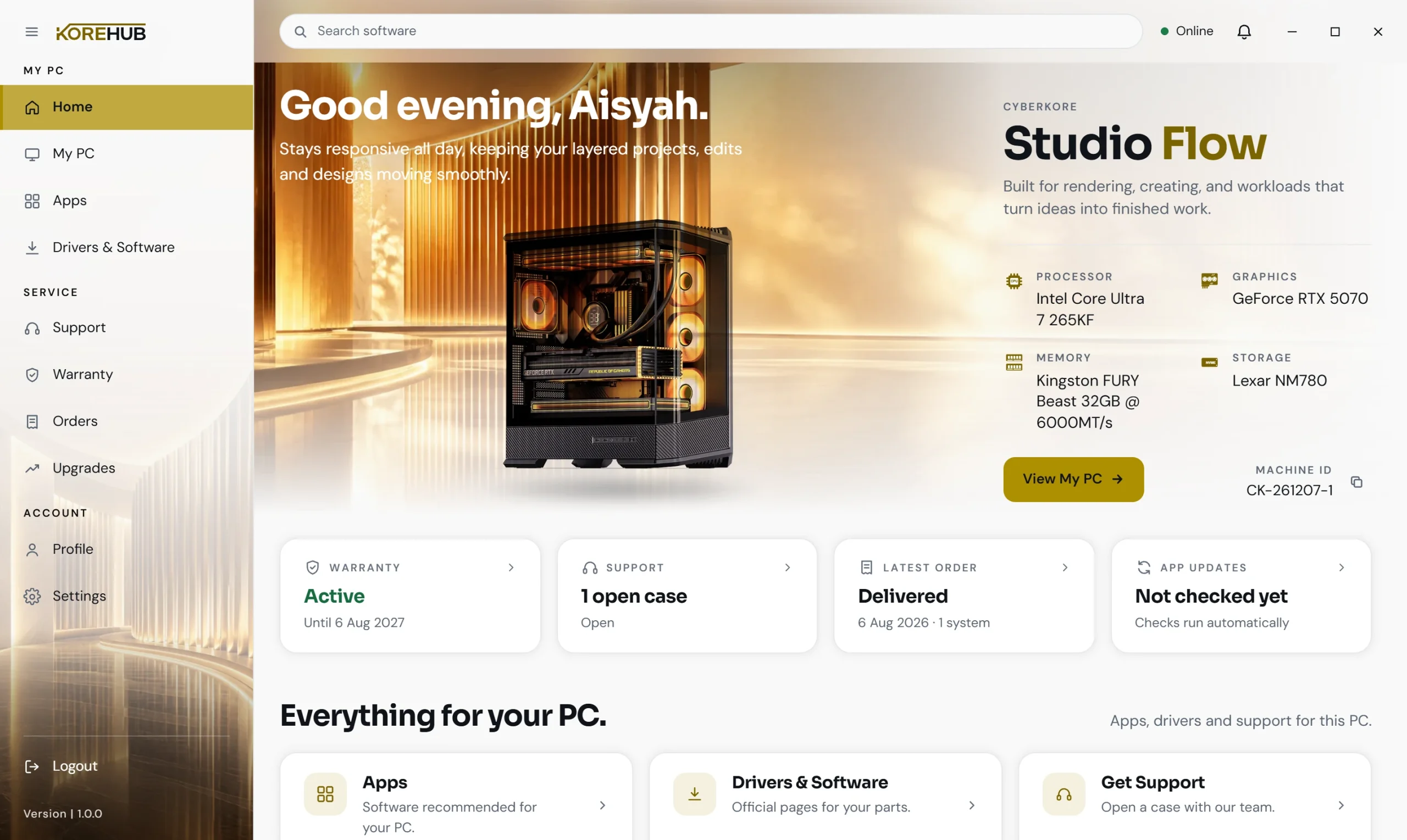
Your PC, the moment you sign in.
Home shows your machine, its warranty, your open cases and your latest order, with shortcuts to apps, drivers and support.
- Warranty status and end date
- Your support cases
- Your orders
- Apps and drivers for your parts
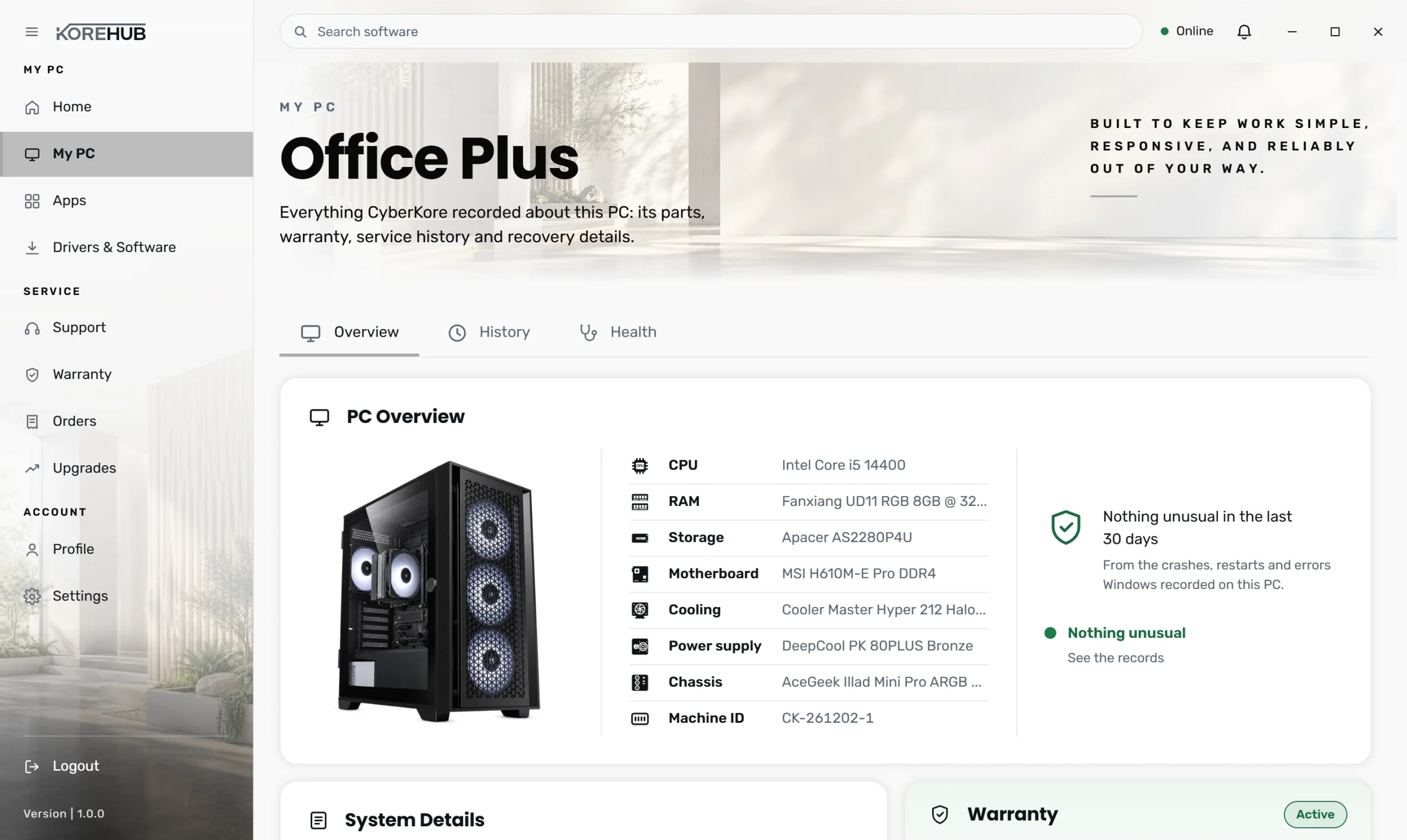
Every part, on record.
The exact parts your computer was built with, its serial, when it was built and registered, and its service history.
- System name and model
- CyberKore serial number
- Every installed part
- Warranty status and end date
- Service and system history
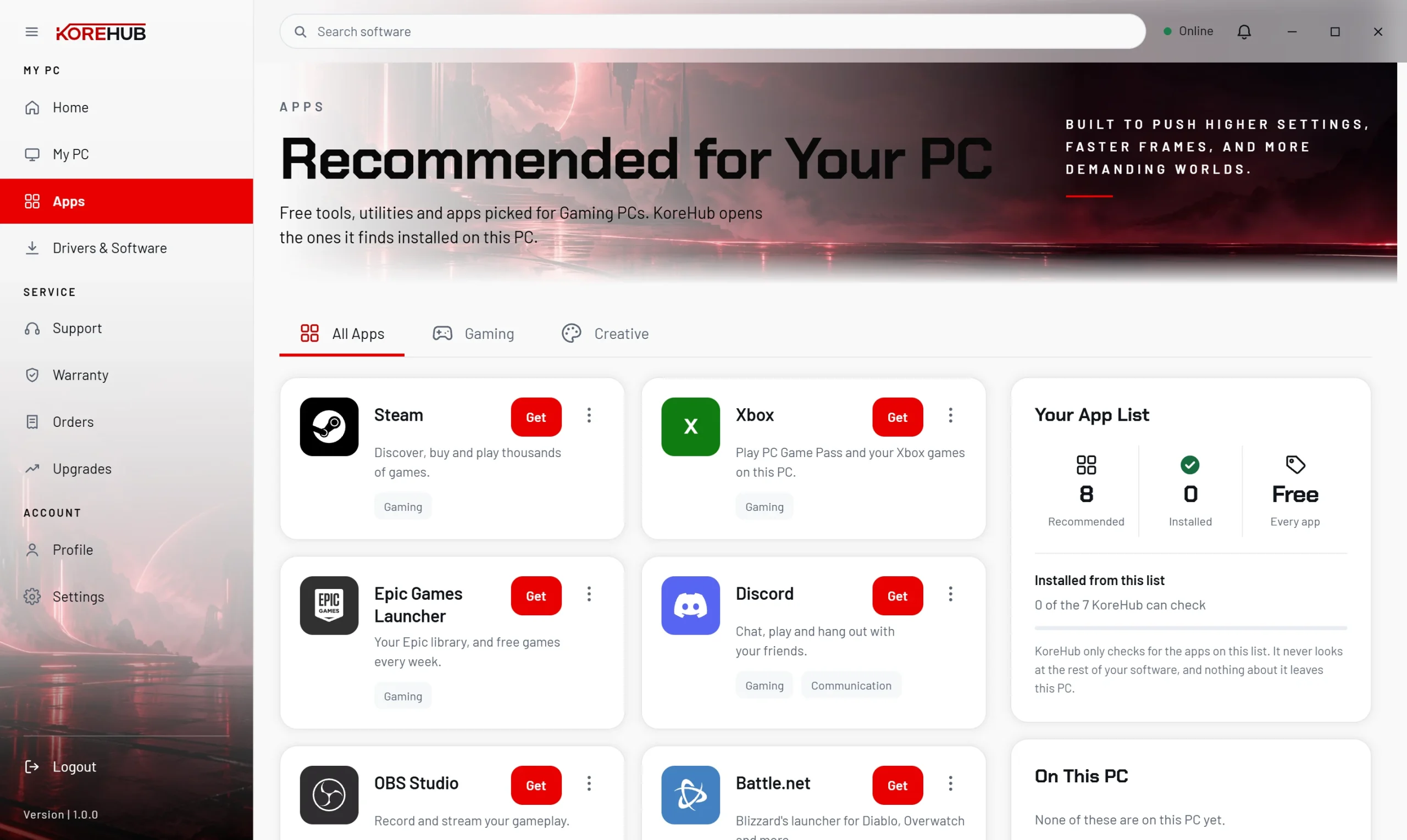
Free apps, picked for your PC.
Tools, utilities and apps, every one of them free. Each opens its maker’s own page, and KoreHub opens the ones it finds on your computer.
- Every app free
- Picked for your kind of PC
- Straight from each maker
- Checks only the apps on its list
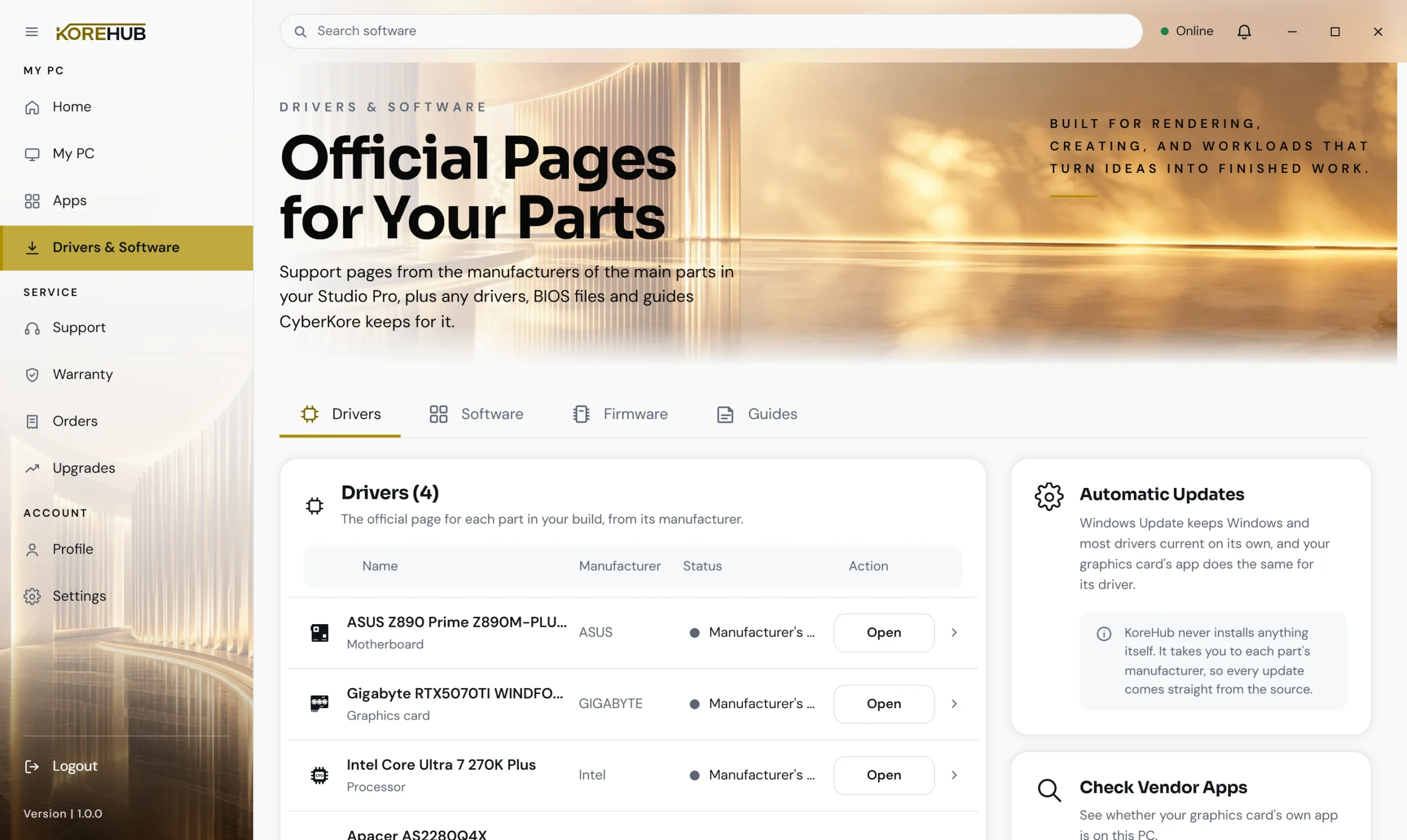
Drivers from each part’s maker.
Support pages from the makers of the main parts in your computer, plus any drivers, BIOS files and guides CyberKore keeps for it. KoreHub never installs anything itself.
- Your parts and their makers
- Drivers, software, firmware and guides
- Checks for your graphics card’s own app
- Nothing about the check leaves your computer
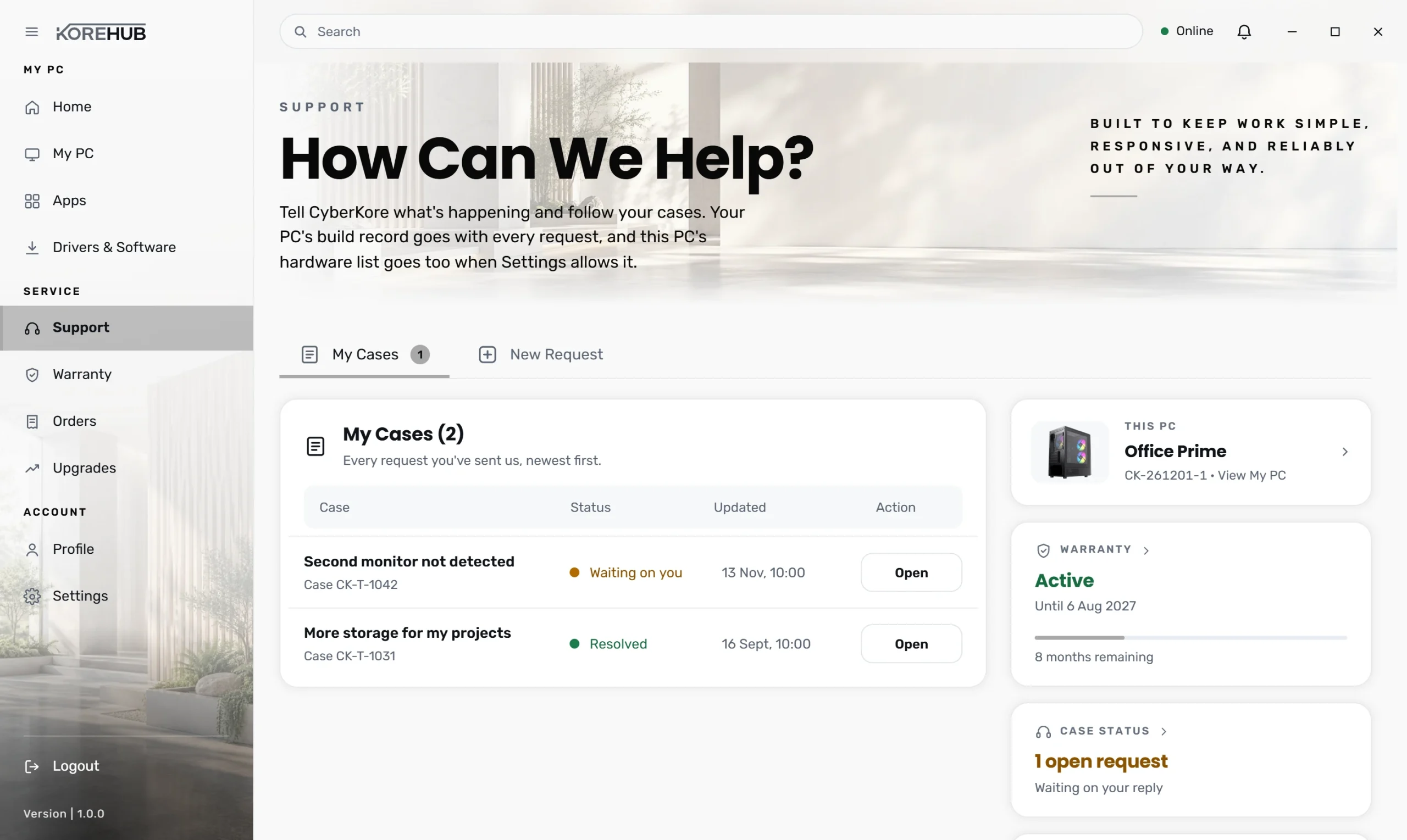
Help that already knows your PC.
Open a case and it arrives with your computer’s details attached. You describe the problem, not your hardware.
- CyberKore serial number
- Model
- Exact installed hardware
- Warranty
- Service history
Don’t have KoreHub open? Call 03-9056 5401 or email us.
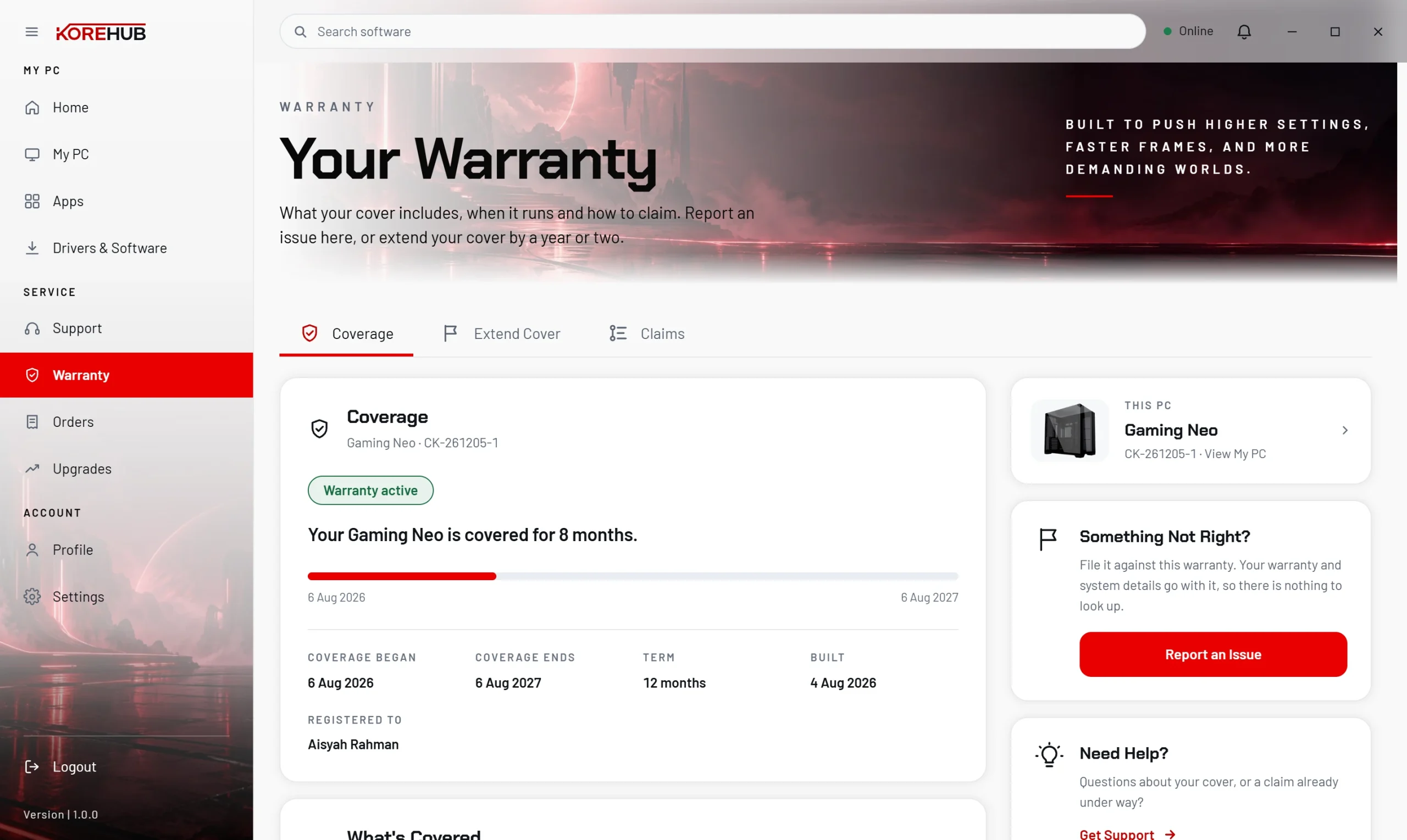
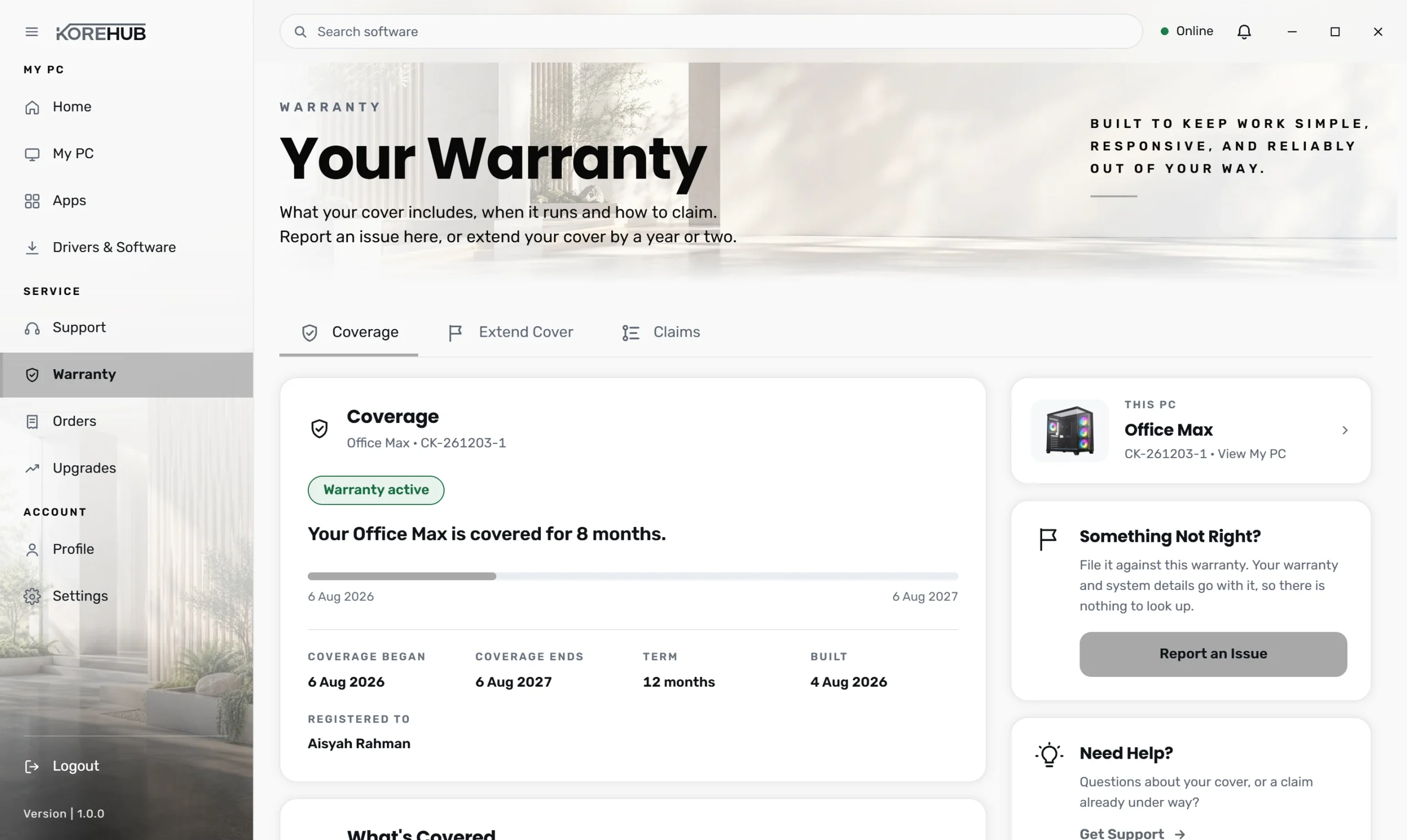
Your cover, in plain view.
When your warranty began, when it ends and what it covers, with every step of a claim laid out before you need one.
- Start and end dates
- What the cover includes
- How a claim works, step by step
- Report an issue straight against it
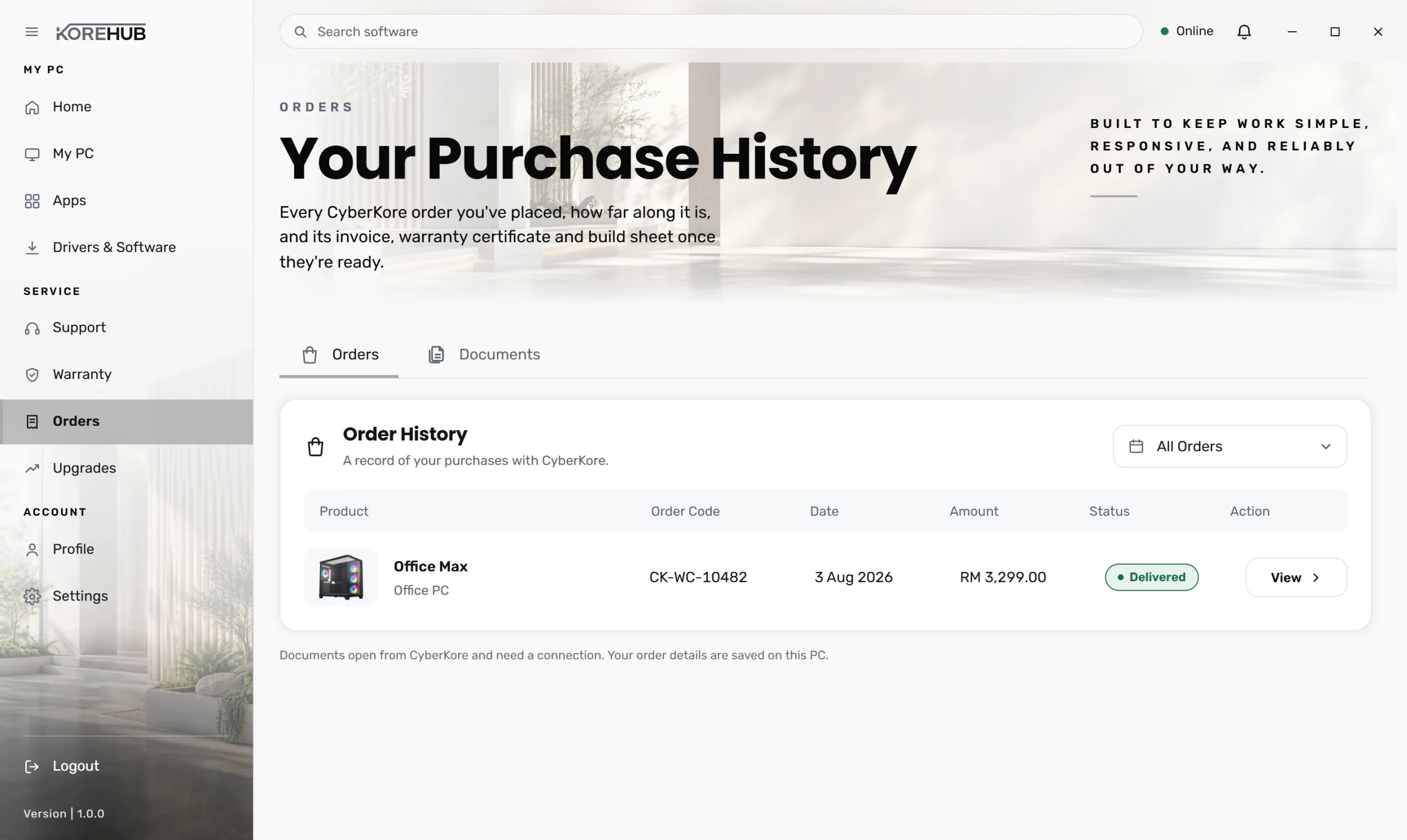
Every order, and how far along it is.
Each CyberKore order you’ve placed, the computers on it, what you paid and where it is now, with the date each warranty started.
- Every order on your account
- The PCs on each order
- Paid, shipped and delivered
- When each warranty started
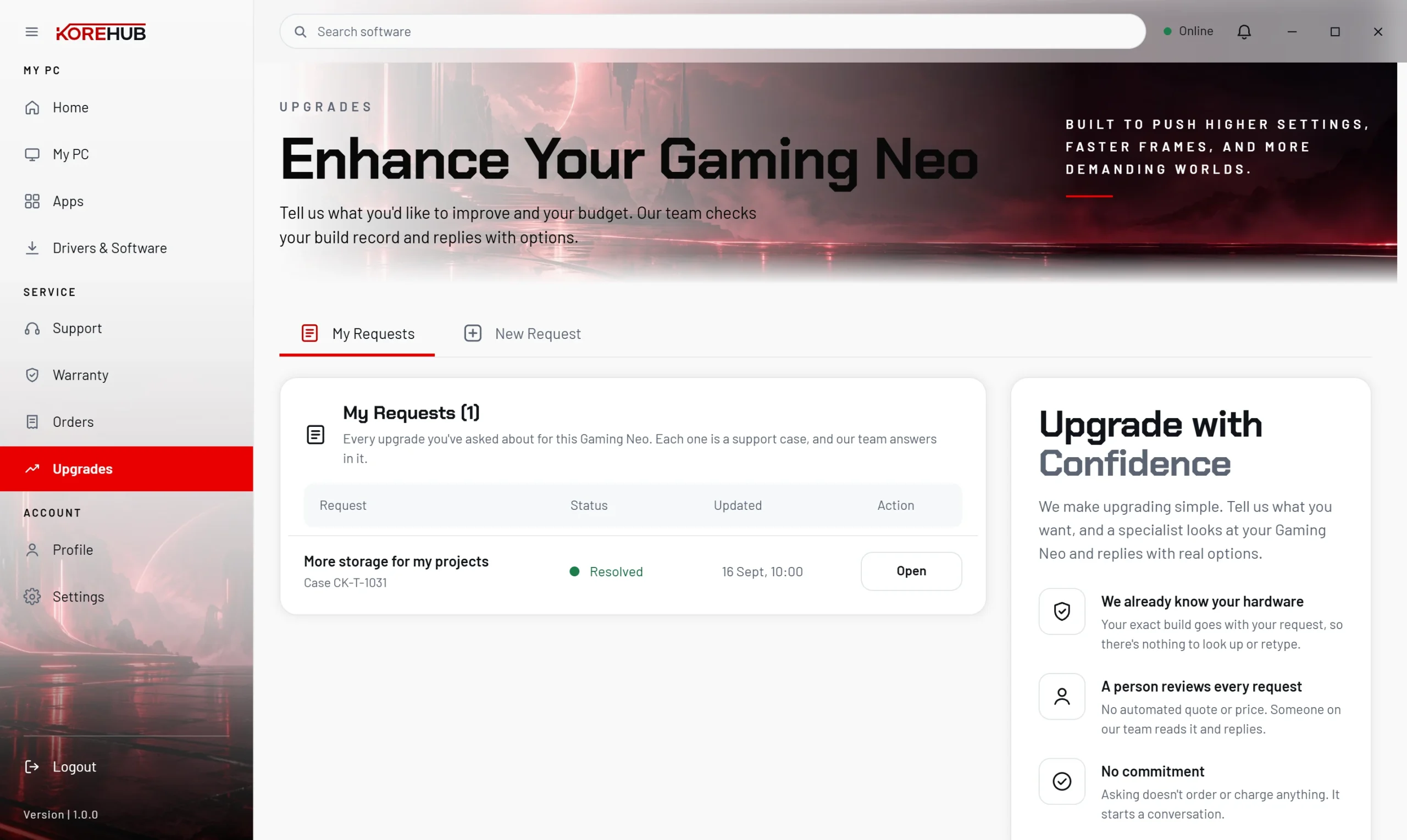
Want more from it later? Just ask.
Say what you’d like to improve. We already know what’s inside your computer, so a CyberKore specialist replies with real options.
- A person reviews every request
- No automatic quote
- Sending one doesn’t order or charge anything
- It becomes a case in your support history


Peace Of Mind. | Every order, every time.
The basics of buying from us, stated plainly before you pay, and kept for you in KoreHub after.
Clear warranty
12 months, starting the day you first sign in to KoreHub on your computer.
Delivery you can follow
Courier and tracking number shown in KoreHub once your computer ships.
Transparent specifications
Every computer’s specification is published, and its exact parts are named before you pay.
People you can reach
Secure checkout
You pay over an encrypted connection.
Cover you can extend
Add one or two more years in KoreHub, any time before your warranty ends.
Questions | Good to know.
Straight answers to what people ask before they buy. Still unsure? Call or email us and we’ll help you choose.
Get Started | Find your CyberKore PC.
Start with what you’ll use it for. Every CyberKore comes with KoreHub.